

7 Key Benefits of Managed Azure Virtual Desktop for Growing Businesses
When a business starts growing, its IT needs grow just as quickly. New employees need laptops, software licenses, accounts, and access to the tools they need to get started. Remote employees need the same level of access as people working from the office. At the same time, someone still has to deal with security updates, password issues, software problems, and support requests.
That can quickly become a lot for a small IT team.
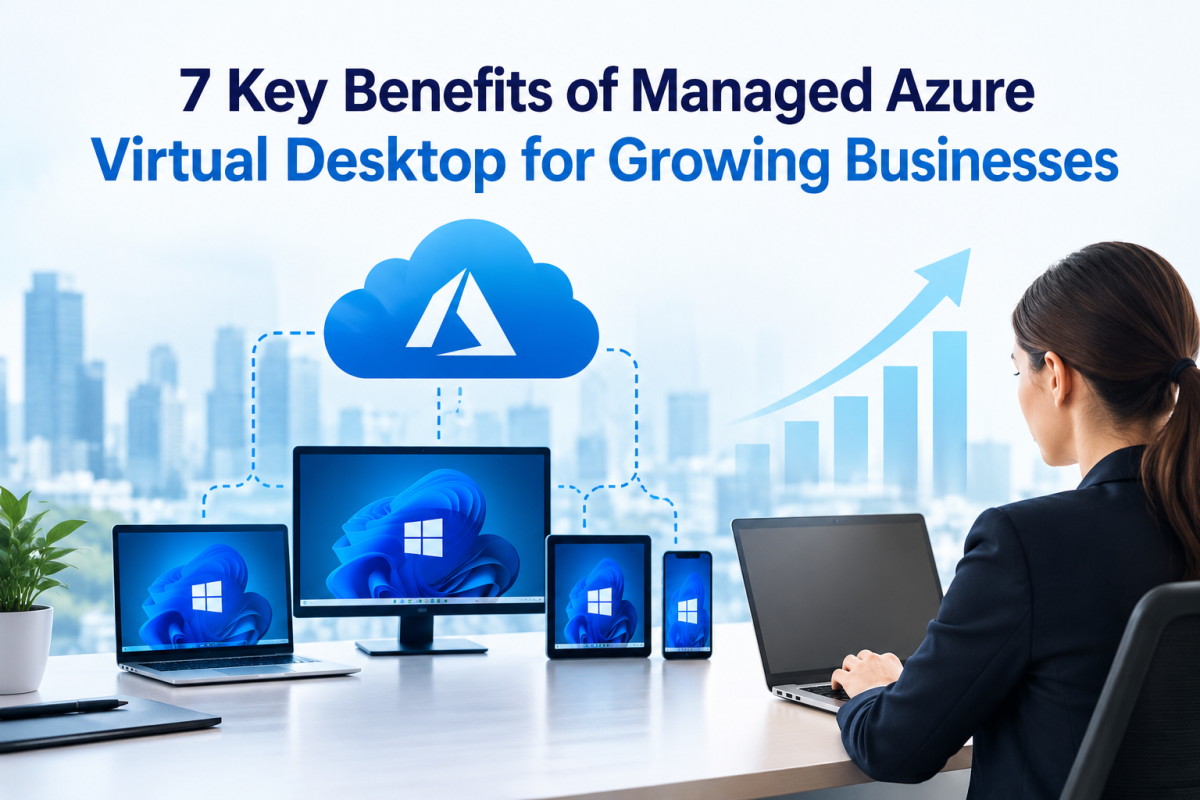
Azure Virtual Desktop (AVD) gives businesses a way to provide employees with a cloud-based Windows desktop that they can access from supported devices. Microsoft manages the underlying Azure infrastructure, but the business still needs to configure, secure, monitor, and maintain the virtual desktop environment.
Managing an AVD environment takes more than simply setting up virtual desktops. For businesses with limited IT resources, a managed Azure Virtual Desktop service can provide the expertise needed to keep the environment secure, reliable, and running smoothly.
Providers such as Apps4Rent help small and mid-sized businesses design, deploy, manage, and support Azure Virtual Desktop environments. Here are seven practical benefits of taking that approach.
1. More Predictable IT Costs
Adding employees can become expensive when every new hire requires a new computer, software setup, and ongoing maintenance. Hardware also needs to be replaced eventually, which makes long-term IT budgeting more difficult.
With a managed AVD environment, businesses pay for the Azure resources they use along with the cost of management and support. A provider can help monitor usage and organize the environment so companies have a clearer picture of their monthly IT spending.
Another advantage is that employees may not need high-end computers to access their work environment. Much of the processing happens in Azure, which can help businesses get more life out of existing hardware and reduce the need for frequent equipment upgrades.
For a growing company, this can make adding new employees much easier to plan financially.
2. Quicker Onboarding for New Employees
Getting a new employee fully set up can take time. A laptop needs to be configured, applications installed, accounts created, and access permissions assigned before the person can actually start working.
A managed AVD environment can simplify much of this process.
The provider can create a standardized desktop image containing the applications, settings, and permissions employees need. When a new person joins the company, a virtual desktop can be assigned without having to manually configure a new physical computer from scratch.
This is especially useful for remote employees, contractors, temporary workers, and seasonal staff. They can access the same work environment without being in the same office.
Offboarding can also be easier. When an employee leaves, their access can be removed centrally, helping reduce the chance of an old account remaining active.
3. Better Security Without Building a Large IT Team
Security is a concern for every business, regardless of its size. Phishing attacks, ransomware, stolen passwords, and compromised devices can create serious problems for companies that do not have enough resources to monitor them.
A managed AVD provider can put important security controls in place from the beginning. These may include multi-factor authentication, conditional access policies, network controls, endpoint protection, and regular security updates.
Centralizing work in Azure can also reduce the amount of business data stored directly on employee laptops. If a laptop is lost or damaged, the employee can use another supported device to access the work environment.
Azure services such as Microsoft Defender and Azure Monitor can also help identify potential security or performance issues. With a managed service, the benefit is not just having these tools available. A dedicated team can configure them, monitor alerts, and take action when something needs attention.
4. Reliable Access for Remote and Hybrid Employees
Work is no longer limited to a company office. Employees may work from home, travel between locations, visit customers, or use coworking spaces.
Managed AVD gives employees access to a consistent Windows environment wherever they are working. Instead of depending on a particular office computer, they can connect to their virtual desktop from supported laptops, Macs, tablets, or thin clients.
The work environment remains in the cloud, so a damaged or stolen laptop does not necessarily mean the employee loses access to their applications and files. They can move to another device and continue working.
A managed provider can also monitor and optimize the environment by adjusting resources, session host capacity, and other performance settings. This can help maintain a smoother experience as the number of users and locations increases.
5. Ongoing Monitoring and Technical Support
IT problems rarely happen at convenient times.
A slow login, failed update, storage issue, or application problem can quickly affect employee productivity. With managed AVD, the environment can be monitored proactively so potential problems can be identified before they become major disruptions.
When an issue does occur, a managed provider already understands the company's environment. Employees do not have to explain the entire setup to a new support technician every time they submit a ticket.
For companies with remote employees or teams working across different time zones, extended or 24/7 support can be especially useful. Apps4Rent, for example, provides 24/7 support for its Azure services.
This also takes pressure off internal IT staff. Instead of spending their time on routine troubleshooting and password resets, they can focus on larger projects that support the company's growth.
6. Scaling Becomes Much Easier
Business growth does not always happen gradually. A company may suddenly win a large contract and need additional employees, or it may need extra capacity for a temporary project.
Managed AVD makes it easier to increase or reduce desktop capacity as requirements change.
A provider can add session hosts, adjust virtual machine resources, and configure autoscaling based on usage. Resources can also be reduced when they are no longer needed, helping businesses avoid paying for unnecessary capacity.
This flexibility can be particularly useful when opening a new office, expanding into another market, or integrating employees after an acquisition.
Instead of purchasing and installing a completely new physical infrastructure, businesses can expand their existing cloud environment as needed.
7. Easier Compliance and Data Protection
Data protection is becoming an increasingly important issue for businesses. Customers, regulators, and insurance providers may all want to know how sensitive information is being protected.
A managed AVD environment can help create a more centralized approach to security and data management.
Azure supports a range of compliance standards and certifications, while providers can configure virtual desktops around a company's specific security requirements. Access controls, encryption, logging, backup, and other security measures can be managed centrally.
Keeping business data and applications in a controlled cloud environment can also make audits easier. Instead of gathering information from dozens of employee computers, IT teams can work from centralized records and logs.
Regular backups and a properly planned disaster recovery strategy can provide another layer of protection if the business experiences an outage, ransomware incident, or other unexpected event.
How to Choose the Right Managed AVD Provider
Choosing the right provider is just as important as choosing the technology itself. Before signing a contract, businesses should look beyond pricing and understand exactly what the provider will manage.
Consider asking:
- Does the provider have Microsoft partner credentials and real AVD deployment experience?
- Have they worked with businesses similar to yours?
- What support hours and response times are included?
- Who owns the Azure subscription and business data?
- How are backups and disaster recovery handled?
- How are security updates and patches managed?
- Will you receive regular reports on Azure usage and costs?
A provider that gives clear answers and documents its responsibilities is more likely to be a long-term technology partner rather than simply a company that sets up an Azure account.
Final Thoughts
As a business grows, its IT environment can become difficult to manage with a small internal team. Employees need reliable access to applications, remote teams need consistent work environments, and security requirements continue to increase.
A managed Azure Virtual Desktop service can take much of that day-to-day responsibility away from the internal team. From faster employee onboarding and predictable costs to security, remote access, ongoing support, flexible scaling, and data protection, managed AVD can give growing businesses a more practical way to handle their desktop infrastructure.
If your company expects to add employees, support more remote workers, or expand into new locations, start by identifying the users, applications, and security requirements you need to support. From there, consider running a small AVD pilot with a managed provider such as Apps4Rent. Testing the environment with a limited group can give you a clearer idea of performance, support needs, and overall fit before rolling it out across the business.














Comments (0)