

IPTV Streaming in 2026: Complete Beginner’s Guide
Learn how IPTV streaming works in 2026, explore compatible devices, understand streaming technology, and discover tips for a better viewing experience.

IPTV Streaming in 2026: A Complete Beginner’s Guide
The way people watch television has changed significantly over the years. Traditional cable and satellite television are no longer the only ways to enjoy entertainment. Today, internet-based television offers another way to access live channels and on-demand content through compatible devices.
IPTV streaming is one of the technologies behind this change. It allows television content to be delivered through an internet connection rather than conventional broadcast methods.
In this guide, Xtream IPTV Hub explains how IPTV works, which devices may support it, what to consider before choosing a service, and how to improve your streaming experience.
What Is IPTV Streaming?
IPTV stands for Internet Protocol Television. It is a technology that delivers television programming through internet protocol networks.
Unlike traditional television broadcasting, IPTV uses an internet connection to transmit video content to compatible devices.
Depending on the platform and subscription, IPTV technology may support:
-
Live television channels
-
Movies and on-demand entertainment
-
Television series
-
Sports programming
-
Catch-up television, where available
The exact features depend on the service, content licensing, subscription and device compatibility.
How Does IPTV Work?
IPTV delivers video content over an internet connection. When a viewer selects a channel or programme, the platform sends the requested content to the compatible application or device.
A typical IPTV viewing process involves:
-
Internet connection: Your device connects to the internet.
-
Compatible application: An IPTV player or supported application is used to access the service.
-
Content delivery: The platform delivers the selected video stream.
-
Playback: Your device decodes and displays the content.
A stable internet connection and compatible hardware can help provide smoother playback.
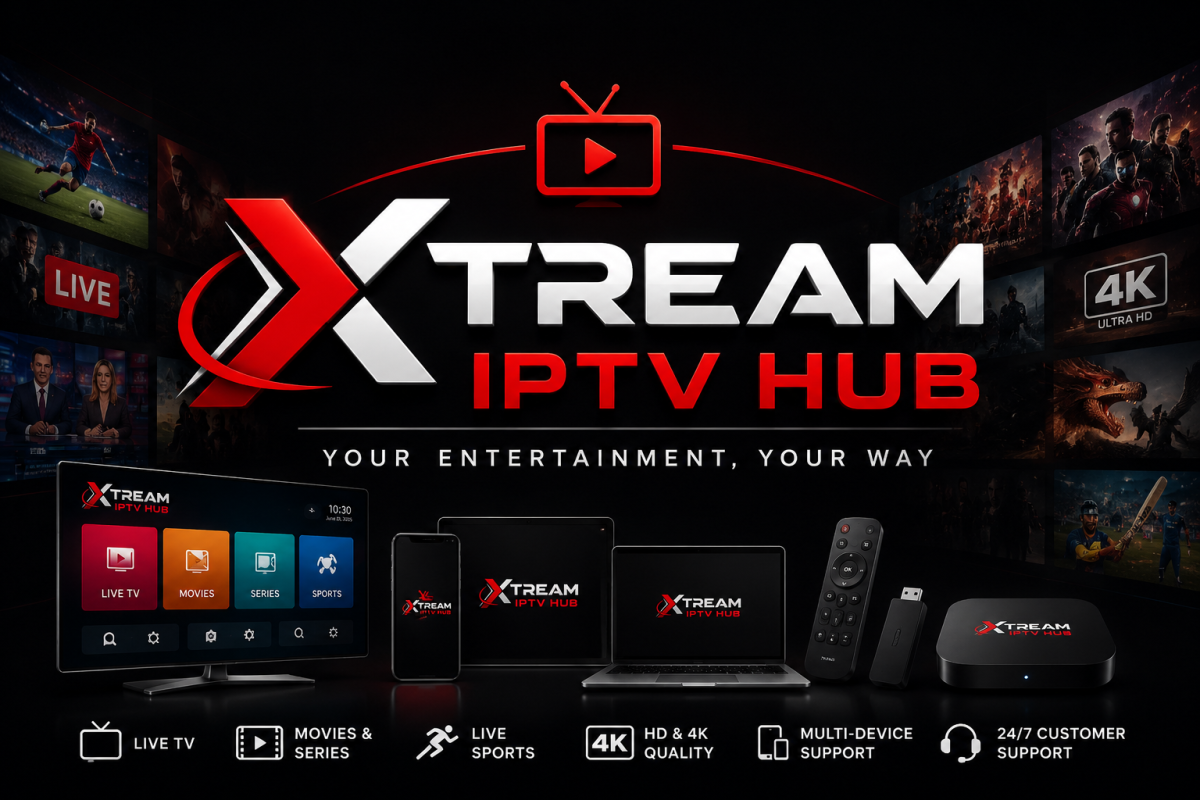
Which Devices Support IPTV Streaming?
One of the advantages of IPTV technology is that it can work across different types of connected devices. However, compatibility depends on the application and service being used.
1. Amazon Fire TV and Fire TV Stick
Compatible Fire TV devices can support IPTV player applications available through permitted installation methods. Check the application's compatibility and follow its official installation instructions.
2. Android TV and Android Devices
Android-based devices may support compatible IPTV applications. Users should check the app's requirements and download applications from trusted sources.
3. Smart TVs
Some Samsung, LG and other Smart TV models support IPTV player applications. Availability varies by television model, operating system and app store.
4. Smartphones and Tablets
Compatible Android and iOS devices can provide portable viewing options through supported applications.
5. Computers and Laptops
Some IPTV platforms and authorised services offer browser-based playback or desktop-compatible applications.
What Internet Speed Is Needed for IPTV?
Your internet speed can affect video quality and playback stability. The required bandwidth depends on resolution, compression, the number of connected devices and the platform.
Consider these general guidelines:
-
Standard Definition (SD): Around 3–5 Mbps
-
High Definition (HD): Around 5–10 Mbps
-
Full HD: Around 10–15 Mbps
-
4K Ultra HD: Around 25 Mbps or more
These are approximate guidelines rather than guaranteed requirements. A stable connection with sufficient available bandwidth is important, particularly when several people share the same network.
How to Improve Your IPTV Streaming Experience
If you experience buffering, freezing or playback interruptions, consider these practical steps:
Use a Stable Internet Connection
Where possible, connect your streaming device to your router using an Ethernet cable. If you use Wi-Fi, keep the device within a good signal range.
Check Your Internet Speed
Run a speed test to see whether your connection provides sufficient bandwidth for your chosen video resolution.
Restart Your Device and Router
Restarting your equipment can sometimes resolve temporary network or device issues.
Update Your Applications
Keep your device software and IPTV player applications updated using official sources.
Check Device Compatibility
Older devices may struggle with high-resolution video or newer applications. Check the technical requirements before choosing a player or streaming device.
How to Choose an IPTV Service
Choosing an IPTV service requires more than comparing subscription prices. Before signing up, consider the following:
-
Content licensing: Confirm that the provider has the appropriate rights to distribute the content in your location.
-
Device compatibility: Check whether the service supports your television, smartphone or streaming device.
-
Streaming quality: Look for clear information about supported resolutions and technical requirements.
-
Customer support: Check whether assistance is available when you need help.
-
Subscription terms: Understand the price, duration, renewal arrangements and cancellation policy.
-
Privacy and security: Review the provider's privacy policy and use trusted applications.
Taking time to compare these factors can help you make a more informed decision.
Is IPTV Better Than Traditional Cable TV?
IPTV and traditional cable television use different delivery methods. Neither option is automatically best for everyone.
IPTV may offer flexible viewing across compatible internet-connected devices. Traditional cable may provide a more familiar television experience without depending on your home internet connection in the same way.
Your choice depends on your viewing preferences, available services, budget, internet connection and local content availability.
Frequently Asked Questions About IPTV
1. What does IPTV stand for?
IPTV stands for Internet Protocol Television. It refers to television content delivered using internet protocol networks.
2. Does IPTV require an internet connection?
Yes. IPTV uses an internet connection to deliver video content, so a stable connection is important.
3. Can I watch IPTV on a Smart TV?
Some Smart TVs support compatible IPTV applications. Availability depends on the television's operating system, model and application support.
4. Can IPTV support HD and 4K streaming?
IPTV technology can support HD and 4K video. Actual availability depends on the content source, subscription, application, device and internet connection.
5. Why does IPTV sometimes buffer?
Buffering can result from slow internet speeds, Wi-Fi interference, device limitations, network congestion or problems with the streaming provider.
6. Is IPTV legal?
IPTV is a delivery technology and is not inherently illegal. Legality depends on whether the service has the necessary rights and licences to distribute its content in the relevant country.
Final Thoughts
IPTV streaming continues to provide an alternative way to access television and digital entertainment through internet-connected devices. Understanding how the technology works, checking device compatibility and choosing properly licensed services can help viewers make better decisions.
At Xtream IPTV Hub, our goal is to provide useful information about IPTV technology, compatible devices, streaming guides and digital entertainment. Explore our website for more educational resources and practical guidance.







Comments (0)