

Lost Important Files? A Complete Guide to Data Recovery Services in Ireland
Lost important files from your laptop, hard drive or USB? Discover how professional data recovery services in Ireland can help retrieve valuable data safely.
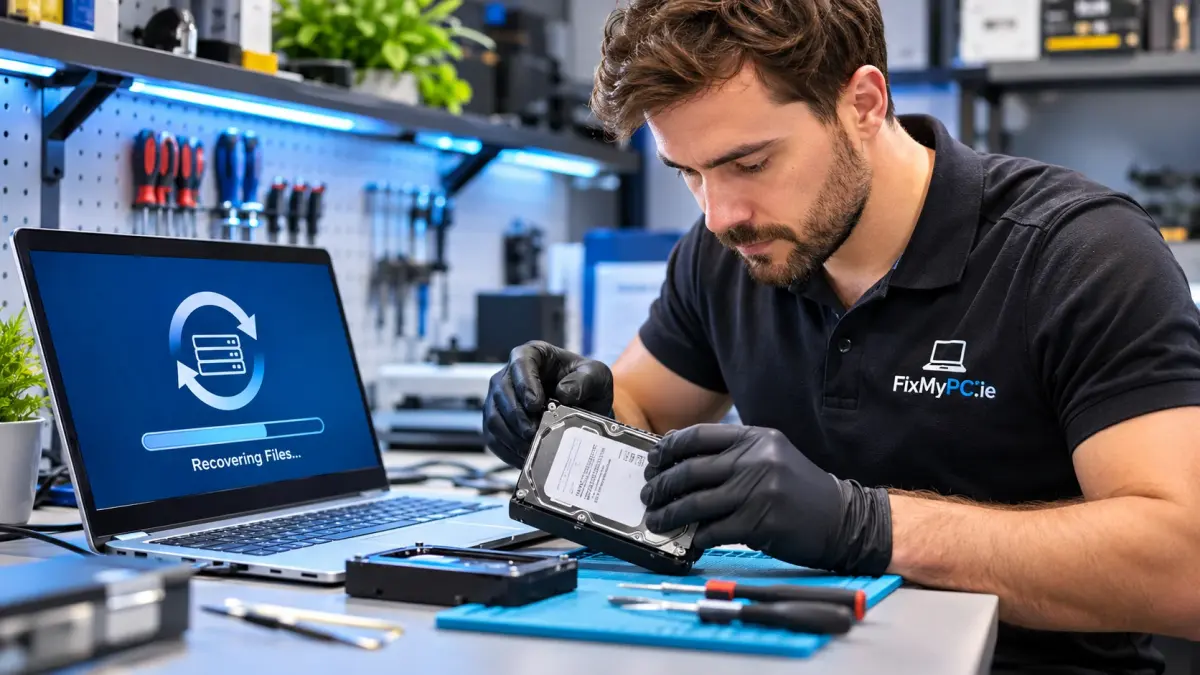
Losing important files can be stressful, especially when they contain business documents, family photographs, college assignments or personal information. Whether your laptop suddenly stops working, an external hard drive becomes inaccessible or you accidentally delete a folder, the experience can leave you wondering if your data is gone forever.
Fortunately, professional data recovery services in Ireland may help retrieve lost information from a range of storage devices. Understanding the causes of data loss, the recovery process and the precautions you should take can make a significant difference.
At FixMyPC, customers can access professional data recovery services for laptops, desktop computers, hard drives, SSDs, USB flash drives and other supported storage devices.
What Are Data Recovery Services?
Data recovery is the process of retrieving information that has become inaccessible, accidentally deleted, corrupted or lost because of hardware or software problems.
Modern devices store everything from photographs and financial records to essential business files. When storage equipment develops a fault, these files may become difficult or impossible to access through normal methods.
Professional data recovery technicians examine the affected device, identify the likely cause of data loss and determine which recovery methods may be appropriate.
Depending on the condition of the device, recovery may involve specialised software, controlled data extraction or more advanced hardware-related procedures.
However, not every case is recoverable. The likelihood of success depends on the storage technology, the nature of the failure and whether additional damage has occurred.
Common Causes of Data Loss
Understanding what caused your data to disappear is an important first step towards recovery.
1. Accidental File Deletion
Deleting an important folder or emptying the Recycle Bin by mistake is a common problem.
In some situations, deleted files may remain recoverable until the storage system reuses their previous space. However, modern SSDs can remove deleted data rapidly through features such as TRIM.
Avoid saving new files or installing recovery software on the affected drive, as this may reduce recovery opportunities.
2. Hard Drive Failure
Traditional hard disk drives contain moving mechanical components that can wear out or fail over time.
Warning signs may include unusual clicking noises, slow file access, frequent freezing or a drive that is no longer recognised.
If a hard drive makes repeated clicking or grinding sounds, switch it off and seek professional assessment. Continued operation can cause further physical damage.
3. SSD Problems
Solid-state drives are generally faster than mechanical hard drives, but they can still fail.
Controller problems, electrical faults, firmware corruption and memory deterioration may make stored files inaccessible.
SSD data recovery can be particularly complex because of encryption, wear levelling and internal data-management processes.
4. Virus and Malware Attacks
Malicious software may corrupt, delete, encrypt or restrict access to important information.
Ransomware attacks can be especially disruptive for businesses because essential records may become unavailable.
Avoid modifying infected storage devices unnecessarily. Preserve available evidence and seek specialist advice before attempting recovery.
5. Physical and Liquid Damage
Dropping a laptop, spilling liquid near a computer or exposing a storage device to electrical damage can affect its internal components.
Even when a device no longer powers on, the underlying storage may sometimes remain accessible.
Professional inspection can help determine whether the problem is with the computer, its storage device or both.
Which Devices Can Require Data Recovery?
Different devices present different recovery challenges.
Laptop and Desktop Data Recovery
Computers can lose access to data because of operating system errors, damaged storage drives or hardware failure.
A laptop that will not start does not necessarily mean its files have been permanently lost.
Technicians can investigate whether the internal storage remains readable and evaluate possible recovery methods.
External Hard Drive Recovery
External hard drives are widely used for storing backups, photographs, videos and important documents.
Common problems include connection failures, damaged USB ports, file-system corruption and mechanical faults.
If the drive repeatedly disconnects or makes unusual noises, stop using it rather than repeatedly reconnecting it.
USB Flash Drive Recovery
USB memory sticks are convenient for transferring documents, but they can be damaged through physical impact, improper removal or electronic failure.
When a USB drive becomes unreadable, professional assessment may help identify whether the issue is logical or hardware-related.
SSD Data Recovery
Solid-state drives are common in modern laptops, desktops and business computers.
Although SSDs have no moving parts, internal electronic faults may still make information inaccessible.
Because modern SSDs manage deleted data differently from traditional hard drives, recovery options vary considerably.
What Should You Do Immediately After Losing Data?
Your first actions can influence whether lost files remain recoverable.
Stop using the affected device. Continuing to operate it may overwrite deleted information or worsen existing damage.
Avoid installing random recovery applications. Some programs write temporary files to the same storage device, potentially reducing recovery opportunities.
Do not repeatedly restart a failing hard drive. Mechanical problems can become more severe with continued use.
Check existing backups. You may already have copies of your files in cloud storage, on an external drive or through another backup service.
Contact a professional technician. An assessment can help identify the available options without unnecessary experimentation.
If the storage device contains irreplaceable information, professional guidance is usually preferable to repeated trial-and-error recovery attempts.
How Does Professional Data Recovery Work?
Although the process varies between devices, professional recovery generally involves several stages.
Initial Assessment
The technician examines the device, discusses the symptoms and investigates the likely cause of data loss.
This assessment helps determine whether the problem involves logical corruption, hardware failure or another issue.
Recovery Planning
After identifying the likely fault, the technician evaluates appropriate recovery methods.
The proposed approach may depend on the device's condition, the type of files required and the potential risk of additional damage.
Data Extraction
Where technically possible, recoverable information is extracted using suitable methods and equipment.
For unstable drives, creating a controlled image of the readable storage may help reduce repeated access to failing hardware.
File Verification
Recovered files may be checked to determine whether they are accessible and usable.
Some files may be incomplete or corrupted, particularly where storage sectors have been permanently damaged or overwritten.
Data Return
Where recovery is successful, the retrieved information can be transferred to an appropriate storage medium.
Customers should review important files and establish a reliable backup plan to reduce future risks.
How Much Do Data Recovery Services Cost in Ireland?
The cost of recovering lost files depends on several factors, including the type of storage device, the cause of failure and the complexity of the required work.
Simple logical recovery may be less complicated than recovery involving serious mechanical or electronic damage.
Other factors include the condition of the device and any specialist procedures required.
Rather than assuming a fixed price, request an assessment and quotation before proceeding.
FixMyPC explains the available options and provides a quotation following its assessment.
Can Permanently Deleted Files Be Recovered?
Sometimes, but not always.
When a file is deleted, the operating system may remove its directory reference without immediately overwriting the underlying information.
On traditional hard drives, data may remain recoverable if the relevant storage areas have not been reused.
On SSDs, TRIM commands and internal storage management can make deleted information permanently unavailable much sooner.
Encryption, device resets, overwriting and physical damage can also affect recovery possibilities.
For these reasons, no reputable provider should guarantee successful recovery in every case.
Data Recovery for Businesses in Ireland
Data loss can be particularly disruptive for businesses that depend on digital records.
Missing customer documents, invoices, financial spreadsheets and project files may delay daily operations and affect productivity.
Businesses should maintain regular backups, restrict access to sensitive information and develop a clear response plan for unexpected storage failures.
Professional data recovery can form part of that response when primary data becomes inaccessible.
However, recovery should never replace a structured backup strategy.
Organisations handling personal information should also consider their data protection and confidentiality obligations when arranging third-party recovery services.
Why Choose FixMyPC for Data Recovery?
FixMyPC provides professional computer repair and data recovery services from Kilcock, County Kildare.
Its services cover supported laptops, desktop computers, mechanical hard drives, SSDs and USB flash drives.
The business serves customers across Kildare, Meath, Dublin and surrounding areas, with a nationwide Send by Post option for customers who cannot visit the repair centre.
Key benefits include:
-
Assessment of the affected storage device before recovery work begins.
-
Recovery options for different types of computers and storage devices.
-
Clear explanations of the available solutions and associated costs.
-
Confidential handling of personal and business files.
-
A convenient postal service for customers throughout Ireland.
Customers can learn more about professional data recovery services at FixMyPC or contact the team to discuss an affected device.
How to Prevent Data Loss in the Future
Although no storage system is completely immune to failure, preventative measures can considerably reduce the impact of data loss.
Maintain Multiple Backups
Follow the 3-2-1 backup principle where practical: maintain three copies of important information, use two different storage types and keep one copy off-site.
Use Reliable Cloud Storage
Secure cloud services can help protect documents and photographs against the failure or loss of a single physical device.
Monitor Storage Health
Pay attention to unusual computer behaviour, repeated system errors, unexpected disconnections and storage warnings.
Keep Software Updated
Operating system and security updates can reduce exposure to vulnerabilities and some forms of data corruption.
Test Your Backups
A backup is only useful if its contents can be restored. Periodically check that important files are accessible.
Frequently Asked Questions
Can FixMyPC recover data from a laptop that will not turn on?
FixMyPC can assess laptops that no longer power on and determine whether their internal storage remains accessible. Recovery options depend on the underlying fault.
Can data be recovered from a damaged hard drive?
Some damaged hard drives remain partially recoverable. The chances depend on the extent of the damage and the condition of the storage media.
How long does data recovery take?
Recovery time varies according to device condition and technical complexity. FixMyPC can provide an estimated timeframe following an assessment.
Are recovered files handled confidentially?
FixMyPC states that recovery work is handled confidentially and that customers' recovered files are treated securely.
Can I send my device from another part of Ireland?
Yes. FixMyPC offers a nationwide Send by Post service for supported devices.
Where is FixMyPC located?
FixMyPC is based at Unit 2, Church Street, Kilcock, County Kildare, W23 HW89, Ireland.
Final Thoughts
Losing important files does not always mean they are permanently gone. In many cases, the right precautions and a professional assessment can help determine whether recovery is possible.
The most important step is to avoid unnecessary activity on the affected storage device and seek advice before attempting risky repairs.
Whether you are dealing with a failed laptop, an inaccessible external hard drive or accidentally deleted documents, FixMyPC can help assess your data loss problem and explain the available recovery options.
Need assistance with lost files?
Visit FixMyPC.ie or explore its data recovery services to request professional assistance.

FixMyPC provides professional laptop, computer, mobile phone, tablet and gaming console repair services in Ireland, including data recovery and IT support. Website: https://fixmypc.ie/




Comments (0)