

Odoo Customization Services: Build an ERP Around Your Business
Discover how Odoo customization services can help businesses extend ERP functionality with custom modules, workflow automation, integrations, dashboards, reports, and industry-specific solutions.

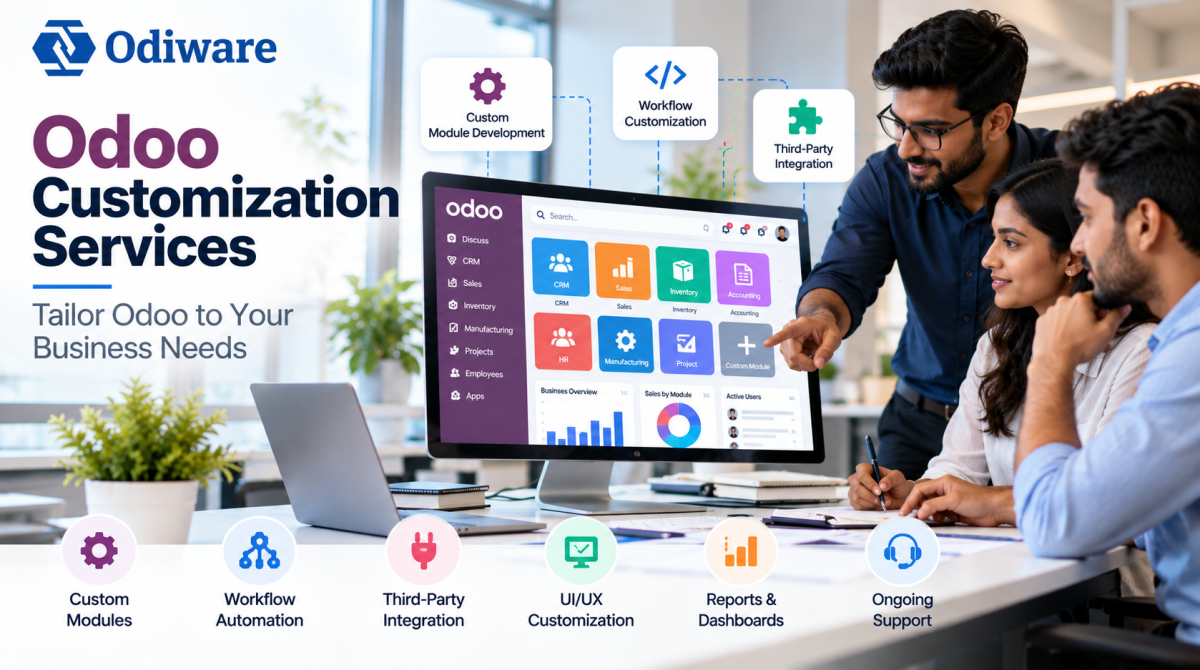
Odoo Customization Services: Build an ERP Around Your Business
Every business has its own way of managing customers, sales, inventory, finance, employees, and daily operations. Even when two companies operate in the same industry, their workflows can be completely different.
Odoo provides a broad ERP ecosystem covering CRM, sales, accounting, inventory, manufacturing, HR, projects, eCommerce, and other business functions. However, standard functionality may not always match every company's specific requirements.
This is where Odoo customization services can help.
What Is Odoo Customization?
Odoo customization involves extending or modifying Odoo to support business requirements that cannot be efficiently handled through standard functionality.
Depending on the project, customization may include custom modules, additional fields, workflow automation, specialized reports, dashboards, user interface improvements, or integrations with external applications.
The goal is not to customize everything. A good customization strategy focuses on solving genuine business problems while keeping the ERP system maintainable.
Why Do Businesses Need Odoo Customization?
Standard Odoo functionality can handle many common business processes, but growing organizations often develop requirements that are specific to their operations.
Some common reasons for customization include:
• Industry-specific workflows
• Custom approval processes
• Additional customer or product information
• Specialized reports and dashboards
• Automated business processes
• Third-party software integrations
• Role-based interfaces
• Custom sales and inventory workflows
For example, a business may need a multi-level approval process for purchase orders or a customized dashboard that combines sales, inventory, and financial information.
Common Odoo Customization Solutions
Custom Module Development
When standard Odoo applications do not provide the required functionality, a custom module can be developed.
Custom modules allow businesses to introduce new features while maintaining connections with other Odoo applications. This can be useful for companies with specialized operational or industry requirements.
Workflow Customization
Business processes often involve multiple departments and approval stages.
Odoo workflows can be customized for sales approvals, purchase requests, employee processes, expense approvals, order management, inventory operations, and other activities.
Automating these workflows can reduce manual coordination and make responsibilities easier to track.
Custom Fields and Forms
Businesses may need information that is not available in standard Odoo forms.
Custom fields can be added to CRM, Sales, Inventory, Accounting, HR, Purchase, and other applications. Forms can also be reorganized to make important information easier for employees to access.
Custom Reports and Dashboards
Standard reports may not always provide the exact information management teams need.
Customized dashboards can combine important metrics such as sales performance, inventory levels, customer activity, outstanding payments, order status, and operational performance.
This gives teams a more relevant view of business data.
Third-Party Integrations
Many businesses use multiple software platforms alongside their ERP.
Odoo can be integrated with external applications such as eCommerce platforms, payment gateways, shipping systems, marketing tools, accounting applications, and other business software.
Integrations can reduce duplicate data entry and improve the flow of information between different systems.
Benefits of Odoo Customization
When planned properly, Odoo customization can provide several practical benefits.
Better Process Alignment
Businesses can adapt Odoo around their existing workflows instead of forcing employees to work with unsuitable processes.
Improved Productivity
Automation can reduce repetitive manual activities and allow employees to focus on more important work.
Better Data Visibility
Custom dashboards and reports can make relevant business information easier to access and understand.
Improved User Experience
Employees can work with interfaces, fields, and workflows that are relevant to their responsibilities.
Greater Flexibility
Customized functionality can evolve as business requirements change.
Better System Integration
Connecting Odoo with other applications can reduce data duplication and create a more connected business environment.
Odoo Configuration vs Customization
Before developing custom functionality, businesses should determine whether the requirement can be handled through standard Odoo configuration.
Configuration involves using existing Odoo functionality, such as setting permissions, enabling features, adjusting settings, and configuring standard workflows.
Customization goes further and may involve developing new modules, modifying existing functionality, creating specialized reports, or integrating external systems.
Choosing customization when standard functionality is already sufficient can create unnecessary development and maintenance costs.
How Does Odoo Customization Work?
A structured process helps reduce unnecessary development.
Requirement Analysis
The first step is understanding the business problem, existing workflow, users involved, and desired outcome.
Gap Analysis
The requirements are compared with standard Odoo functionality to determine whether configuration, customization, or integration is the best solution.
Solution Planning
The development team defines the required modules, workflows, reports, integrations, and technical approach.
Development
The approved functionality is developed according to the defined requirements.
Testing
Customized functionality should be tested against realistic business scenarios before deployment. Testing can identify workflow problems, permission issues, and integration errors.
Deployment and Maintenance
After testing and approval, the customized solution can be deployed. Ongoing maintenance may be required as business requirements and Odoo versions evolve.
How Much Does Odoo Customization Cost?
There is no fixed price for Odoo customization.
Project cost depends on factors such as:
• Development complexity
• Number of customized modules
• Integration requirements
• Reporting requirements
• Number of users
• Existing custom code
• Odoo version
• Workflow complexity
• Testing requirements
• Ongoing support
A simple modification may require limited development effort, while a complex custom application or multi-system integration can require considerably more work.
Businesses should therefore evaluate customization based on the operational value it provides rather than choosing a provider only because of a low initial price.
Best Practices for Odoo Customization
Customization should be approached strategically.
Businesses should:
• Clearly define requirements before development
• Use standard Odoo functionality where practical
• Customize only where there is a genuine business need
• Keep custom modules maintainable
• Test changes before production deployment
• Document important custom functionality
• Consider future Odoo upgrades
• Review security and user permissions
• Monitor performance after major changes
Over-customization can make an ERP environment harder to maintain. The objective should be flexibility without unnecessary complexity.
Choosing an Odoo Customization Partner
The development partner plays an important role in the long-term success of a customization project.
Businesses should evaluate a provider's experience with Odoo development, custom modules, integrations, workflow design, testing, documentation, upgrades, and technical support.
A reliable partner should understand the business problem before recommending a technical solution.
For businesses that need to extend their ERP beyond standard functionality, professional Odoo customization services can help create solutions aligned with specific operational requirements.
Conclusion
Odoo customization can help businesses adapt their ERP environment to unique workflows, reporting requirements, integrations, and operational processes.
However, customization should not be treated as a solution for every problem. Businesses should first evaluate standard Odoo functionality, identify genuine gaps, and then customize only where development provides clear business value.
With proper planning, testing, and maintenance, Odoo can become a flexible ERP platform that supports the way a business operates and grows.

Odoo and ERP professional focused on Odoo customization, development, workflow automation, and business process optimization. I work with Odoo to help businesses adapt ERP functionality to their specific operational requirements, including custom modules, integrations, reports, and dashboards. My interests include ERP solutions, business automation, Odoo development, and scalable digital business processes.












Comments (0)