

CMS Migration & Website Replatform: Challenges and Fixes
Planning a CMS migration or website replatform? Learn the most common challenges, from SEO loss to broken integrations, and practical ways to solve them.
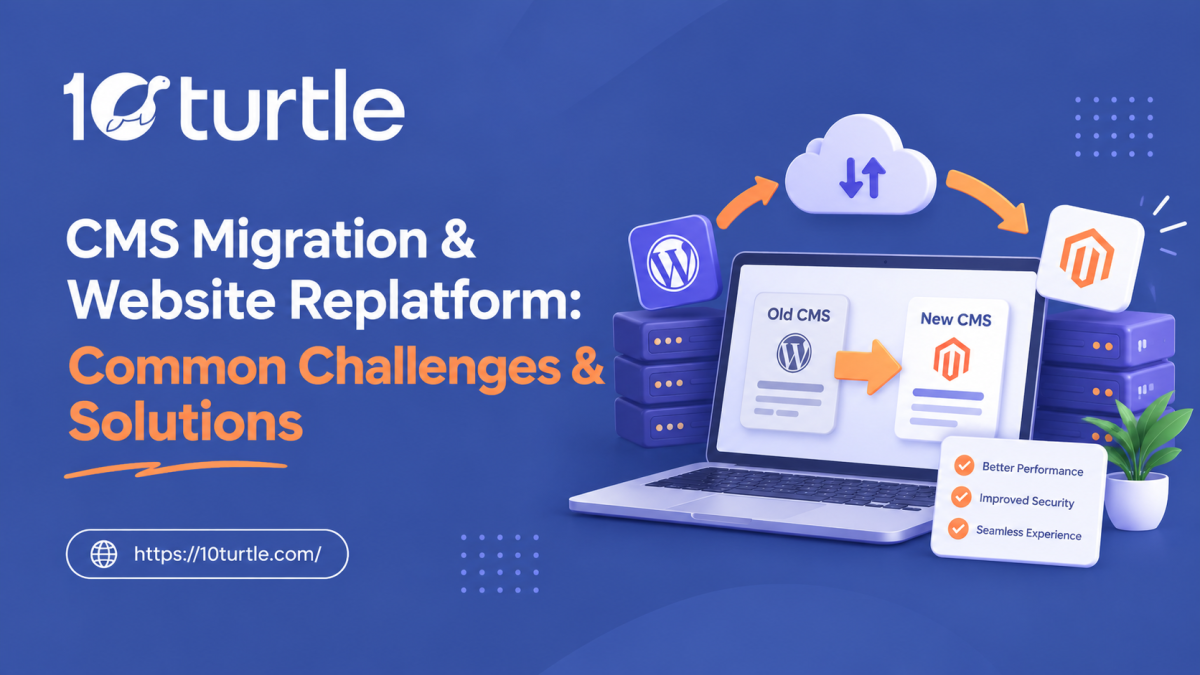
Your website's platform shapes how fast you publish, how well you rank and how easily you can scale. When your content management system (CMS) starts holding the business back, moving to a new one is often the right call. A CMS migration done well gives you better speed, security and flexibility. Done badly, it can wipe out years of organic traffic in a few weeks.
This guide covers the challenges businesses most often hit during a website replatform, and how to solve each one.
Understanding CMS Migration and Website Replatforming
A CMS migration moves your content, media, users and settings from one content management system to another, for example from a legacy platform to WordPress, Shopify, Webflow or a headless CMS. A website replatform is usually broader. It can include a new design, new architecture, new hosting and new integrations as well as a new CMS.
The two terms overlap, but the scope differs. A simple migration keeps the site largely the same on a new engine. A replatform often changes how the whole site works.
Why It Matters for Businesses
Companies across the United States replatform for a handful of recurring reasons:
- Slow page speed and poor Core Web Vitals
- High licensing or maintenance costs
- Limited customization or plugin support
- Security vulnerabilities in outdated systems
- Difficulty publishing content without developer help
Key Benefits
A well-planned migration can improve load times, simplify content workflows, strengthen security and open the door to integrations with CRM, marketing automation and analytics tools. It also gives teams a chance to clean out outdated pages and rebuild site structure around what users actually search for.
Common Business Use Cases
- A growing ecommerce brand outgrowing its starter platform
- A SaaS company moving to a headless CMS for faster front-end delivery
- A publisher consolidating several legacy sites into one
- A service business replacing a heavily customized, hard-to-maintain site
Common Challenges and Their Solutions
1. Loss of SEO Rankings and Traffic
The challenge: This is the biggest fear, and a justified one. Changed URLs, missing redirects, lost metadata and altered internal linking can all cause rankings to drop after launch.
The solution: Start with a full content audit and crawl of the existing site. Map every old URL to its new destination with 301 redirects, and keep title tags, meta descriptions, headings and structured data wherever they already perform well. After launch, monitor Google Search Console and crawl errors closely for the first several weeks.
2. Messy Data Mapping and Content Loss
The challenge: Different platforms store content differently. Custom fields, categories, tags, authors and embedded media may not transfer cleanly, leaving formatting problems or missing pages.
The solution: Build a data mapping document before moving anything. Run a test migration on a staging site, compare it against the source, and fix mismatches before the real move. Automated import tools help, but a manual review of key pages is still worth the time.
3. Broken Integrations and Functionality
The challenge: Forms, payment gateways, CRM connections, analytics tags and third-party plugins are easy to overlook. Any of them can break quietly during the switch.
The solution: Inventory every integration up front. Confirm which ones the new CMS supports natively, which need replacements and which need custom work. Test each one on staging, particularly checkout flows and lead forms.
4. Downtime and Disrupted User Experience
The challenge: Poorly timed launches can cause outages, broken pages or checkout failures at the worst possible moment.
The solution: Schedule the launch for a low-traffic window, freeze content edits during the final cutover, and keep a rollback plan ready. Keeping the old site accessible on a temporary URL until the new one is verified is a simple safeguard.
5. Budget and Timeline Overruns
The challenge: Hidden complexity, such as custom templates, large content libraries and legacy code, often stretches both cost and schedule.
The solution: Scope the work with a detailed technical audit first. Break the project into phases, set a clear content freeze date and build contingency time into the plan. Teams that lack in-house capacity often work with specialists in custom website development and migration to keep complex projects on track, a useful option when the project touches design, development and SEO at once.
Important Factors to Consider Before You Migrate
Technology and Implementation
Choose the platform based on your content model, team skills and growth plans, not on trends. Consider hosting, performance, security, editorial workflow and how well the CMS handles structured content. If you plan to serve content across web, apps and other channels, a headless architecture may suit you better than a traditional setup.
Cost, Scalability and Integration
Look past license fees. Include development, data migration, testing, training and ongoing maintenance. Check that the platform can handle higher traffic and larger content volumes, and that it connects easily to the tools your marketing and sales teams already use.
Practical Tips and Best Practices
- Audit first. Decide what to keep, merge, improve or remove before moving anything.
- Benchmark performance. Record rankings, traffic, conversion rates and page speed so you can measure the impact afterward.
- Use a staging environment. Test content, redirects, forms and speed before going live.
- Protect your URL structure. Change URLs only when there is a clear reason, and redirect everything that changes.
- Plan post-launch checks. Review crawl errors, indexation, 404s and Core Web Vitals within days of launch.
- Train your team. A new CMS only pays off if editors know how to use it.
Frequently Asked Questions

10Turtle is a global technology and digital transformation company helping businesses turn ideas into impactful digital solutions. We provide a wide range of services, including AI development, custom software development, website design and development, mobile app development, UI/UX design, cloud solutions, branding, SEO, digital marketing, and eCommerce solutions. With a focus on innovation, quality, and business growth, 10Turtle works with startups, SMEs, and enterprises to build scalable digital experiences that support their evolving needs.














Comments (0)