

Oman E-Invoicing Compliance Software: Features That Matter
Explore Oman e-invoicing compliance software features for XML invoices, ERP integration, Fawtara connectivity and invoice validation.

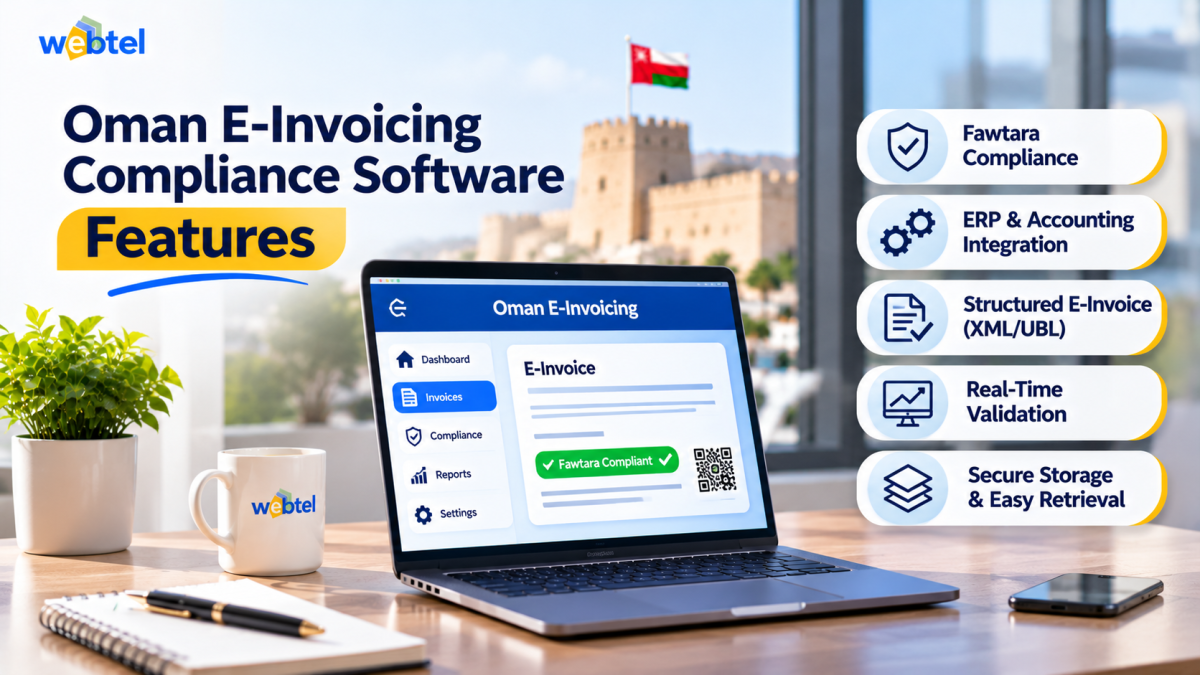
A business may already have an accounting system that creates invoices, calculates VAT and stores transaction records. However, those functions alone may not be enough for Oman's electronic invoicing requirements. Oman e-invoicing compliance software needs to support the structured invoice data and exchange processes used under the Fawtara framework.
The first step is to understand how Oman e-invoicing affects the way your business creates and processes invoices. The software you select should fit your existing accounting or ERP setup while supporting the technical requirements of the new system.
The most important features are structured XML invoice generation, accurate data mapping, integration with an accredited service provider, validation feedback and reliable record management. Their value depends on how well they work together, not simply on how many features appear in a product brochure.
Start with the invoice data, not the dashboard
An e-invoicing solution must handle invoice information in a structured format. Under Oman's Fawtara framework, XML is the mandatory format for electronic invoices. A PDF may still serve as a readable copy in relevant workflows, but a PDF by itself is not the structured e-invoice.
This makes invoice data preparation one of the first things to examine. The software should be able to capture and organise the information required for the relevant transaction, such as:
- Supplier and buyer identification details
- Invoice number, date and document type
- Descriptions, quantities and values of goods or services
- VAT rates, taxable amounts and tax totals
- Currency and other applicable invoice information
The solution should also help maintain consistent information between the source accounting system and the structured invoice. If a customer VAT number or tax value is incorrect in the original record, converting that record into XML will not automatically make the information accurate.
For this reason, check how the software handles missing fields, incorrect values and changes to source data. A clear correction process is more useful than a system that only reports that an invoice has failed.
Integration and Fawtara connectivity must work together
Most businesses will want to retain their existing accounting or ERP software if it can support the required workflow. The e-invoicing solution should therefore provide a practical way to transfer invoice data between the source system and the service-provider arrangement.
Before choosing a solution, find out whether it can connect with your current software through an available integration method, import the necessary invoice information and return processing responses. Also check how it handles failed transfers. An invoice that remains stuck between two systems can create delays even when the invoice data itself is correct.
Fawtara uses a five-corner model. It connects the supplier, the supplier's service provider, the buyer's service provider, the buyer and the Oman Tax Authority (OTA). Accredited service providers validate and exchange invoices between taxpayers and report specified tax data to the OTA.
This means businesses need to understand the boundary between their own software and the accredited service provider. The software may prepare and transfer invoice data, while the provider performs the validation and exchange responsibilities assigned to it under the framework.
The Fawtara and OTA integration process is therefore an important part of the technical assessment. Ask the provider to explain how your ERP or billing system will connect to the service-provider workflow, what information will be transferred and how processing responses will reach your finance team.
Do not assume that an e-invoicing software vendor is automatically an OTA-accredited service provider. Check the current official accredited-provider directory and confirm the role of each company involved in your proposed setup.
Validation, tracking and record management
A useful compliance workflow should make it easier to identify problems and resolve them. Validation is one part of this process, but businesses should also understand what happens when an invoice fails a check.
Ask whether the solution or its service-provider arrangement can identify issues such as missing mandatory information, incorrect data formats, inconsistent tax values or invalid buyer details. Find out where the error appears, who is expected to correct it and whether the invoice can be resubmitted after correction.
Invoice tracking is equally important. Finance teams should be able to distinguish between invoices that are still being processed and those that have completed the required exchange. Clear status information and understandable error messages can reduce manual follow-ups.
Record management deserves particular attention. Businesses should confirm how they will retain and retrieve invoice data, structured files, processing responses and correction records. They should also ask about user permissions, backups, data protection and the applicable retention requirements.
A practical point can be overlooked here: do not assume that the OTA will act as your business's invoice archive. Plan how your organisation will preserve its own records and make them available when needed.
Evaluate the complete workflow before selecting a solution
A feature demonstration should use a realistic invoice from your business rather than a sample transaction with perfect data. For example, take an invoice from your existing ERP, transfer its information into the proposed e-invoicing workflow, review the structured output and examine the response returned after processing.
This exercise can reveal issues that a general product presentation may not show. Customer data might not map correctly, a required field might be missing or the finance team might not know how to handle a failed submission.
Use the following questions during the evaluation:
- Can the solution generate the required structured XML invoice data?
- Does it support the integration method available for your ERP or accounting system?
- Which company provides the accredited service-provider connection?
- Who performs validation, and how are errors communicated?
- Can finance users monitor invoice status and retrieve past records?
- What support is available during testing and after implementation?
The answers should be documented before the business commits to a solution. This helps separate features that are available today from capabilities that require additional integration, configuration or a separate service.
Choosing software that fits your compliance process
Oman e-invoicing compliance software should be assessed as part of a complete invoicing workflow. Structured data generation, ERP connectivity, Fawtara integration, validation feedback and record management all need to work with clearly assigned responsibilities.
The right solution is one that fits your business systems and gives your finance and IT teams a clear way to manage invoice processing. Before implementation, confirm the accredited service-provider arrangement, test the flow using real business scenarios and establish who will handle errors and retain records.
Buying software does not transfer the taxpayer's responsibility for compliant invoicing. A well-planned system can support that responsibility, but the business still needs accurate source data and a process for reviewing and correcting invoice information.








Comments (0)