

Best CPU and GPU Combination for 1080p Gaming
Learn how to choose the best CPU and GPU combination for 1080p gaming, with practical tips on performance, compatibility, VRAM, refresh rates, and gaming value.

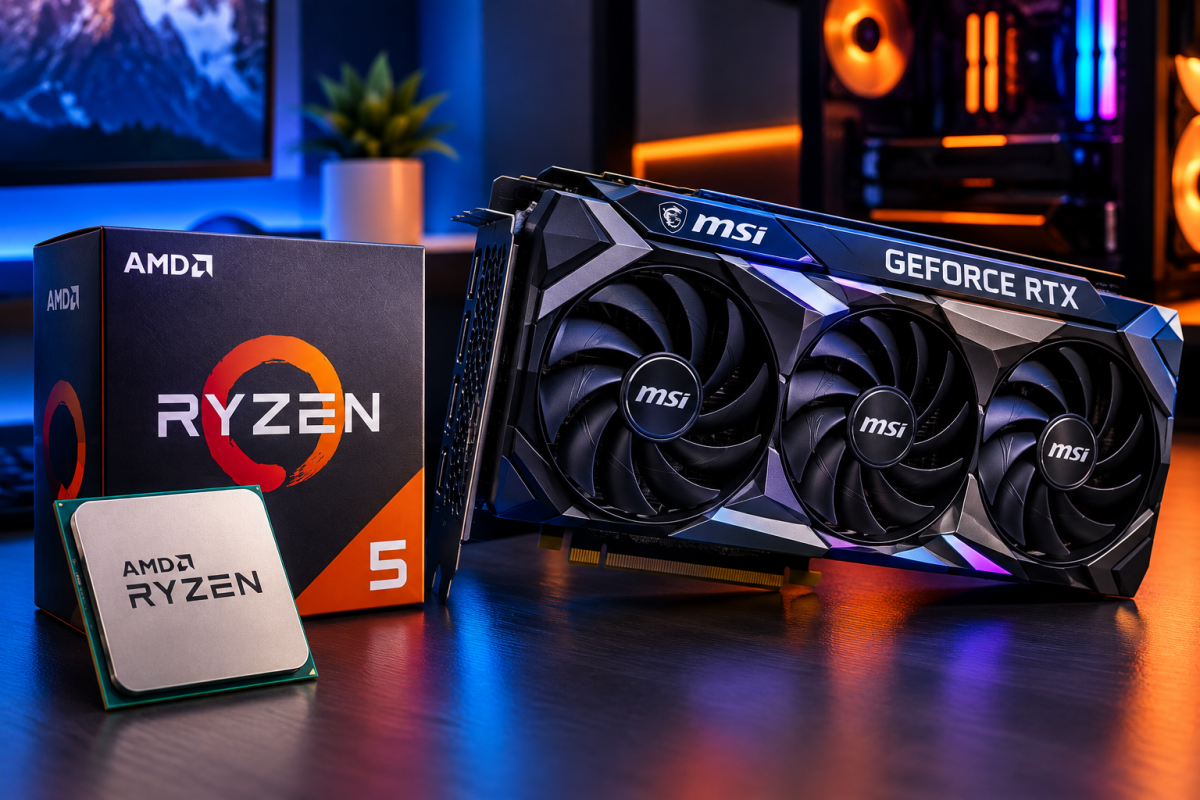
Building a 1080p gaming PC doesn't require breaking your budget. However, choosing mismatched components wastes money and hurts performance significantly. Many builders overspend on parts that don't actually help. Others underspend and create frustrating bottlenecks in their systems. This guide explains exactly what pairs well for smooth 1080p gaming. We will cover CPU choices, GPU options, and budget considerations together. You will also learn how to avoid common pairing mistakes. By the end, you will understand what truly matters most. Let's build a balanced system that maximizes your 1080p performance.
Resolution significantly changes which components deserve your attention and budget. At 1080p, your CPU plays a bigger role than many realize. Games render fewer pixels, shifting workload toward processor performance instead. This means overspending on a flagship GPU often wastes money unnecessarily. Meanwhile, skimping on your CPU creates noticeable bottlenecks during gameplay. Understanding this balance helps you allocate your budget more wisely. Many first-time builders make this exact mistake during initial purchases. They chase the biggest graphics card without considering processor limitations. This imbalance leads to disappointing frame rates despite expensive hardware. The following sections explain how to avoid this common pitfall.
Choosing between competing brands often sparks the amd gpu vs nvidia debate among builders. Both companies offer excellent options across every price range available. AMD typically provides stronger value at budget and mid-range price points. Nvidia often leads in cutting-edge features like ray tracing performance. For pure 1080p gaming, either brand delivers genuinely excellent results. Your final decision should depend on specific games and features desired. Below, we break down practical recommendations for different budget levels. Each pairing balances CPU and GPU capabilities appropriately for 1080p. This approach ensures you get maximum performance from every dollar spent.
Why CPU Choice Matters More at 1080p
Understanding the CPU-Bound Bottleneck
Lower resolutions shift processing demands away from your graphics card significantly. Your CPU must calculate more frames per second at 1080p. This makes processor speed genuinely important for competitive gaming performance. A weak CPU paired with a powerful GPU creates real problems. Your expensive graphics card sits idle, waiting for CPU instructions constantly. This bottleneck prevents you from reaching your monitor's full refresh rate. Competitive shooters and fast-paced games suffer most from this imbalance. Single-core performance particularly matters for many popular gaming titles. Choosing a CPU with strong single-core speeds prevents this frustrating scenario. Balancing your budget toward the processor often yields better 1080p results.
How Many Cores Do You Actually Need
Most modern games don't require excessive core counts for smooth performance. Six cores typically provide plenty of headroom for current titles. Additional cores help more with streaming or heavy multitasking scenarios. Gamers who also stream should prioritize higher core count processors. Pure gaming builds can often save money with fewer cores instead. Clock speed and architecture efficiency matter more than raw core count. Newer processor generations often outperform older chips despite similar core numbers. Research current generation benchmarks before finalizing your processor choice. This ensures you're paying for genuinely useful performance improvements.
Choosing the Right Graphics Card for 1080p
Mid-Range GPUs Offer the Best Value
Flagship graphics cards rarely make sense for pure 1080p gaming setups. Mid-range cards deliver excellent frame rates without unnecessary added expense. These cards handle demanding titles smoothly at high settings comfortably. Saving money on your GPU allows better CPU investment instead. This balanced approach typically produces superior overall gaming experiences. Research current benchmarks to identify the best value options available. Prices and performance shift frequently between generations and sales events. Reading recent reviews ensures accurate, up-to-date purchasing decisions. Avoid overspending on features you won't actually utilize meaningfully.
Considering Ray Tracing and Upscaling Features
Modern graphics cards increasingly include ray tracing and upscaling technologies. These features improve visual quality or boost performance significantly. However, their importance varies depending on your favorite game genres. Competitive multiplayer gamers often disable these features for maximum frame rates. Meanwhile, single-player enthusiasts appreciate the enhanced visual fidelity offered. Upscaling technology particularly helps weaker cards maintain smooth frame rates. This technology renders games at lower resolution, then upscales intelligently. Consider which features matter most for your typical gaming habits. This consideration should influence your final graphics card selection significantly.
Recommended Budget-Friendly Pairings
Entry-Level Build for Casual Gamers
Casual gamers can achieve smooth 1080p performance without premium components. A budget six-core processor pairs excellently with an entry-level graphics card. This combination handles popular titles at medium-to-high settings comfortably. Sixteen gigabytes of RAM provides adequate headroom for modern games. This build prioritizes value while still delivering genuinely enjoyable gaming experiences. Expect smooth performance in most popular, less demanding titles. Occasional settings adjustments may be necessary for particularly demanding games. This pairing suits gamers prioritizing affordability over maximum visual settings. It remains an excellent starting point for newcomers building their first system.
Mid-Range Build for Serious Gamers
Serious gamers benefit from slightly stronger CPU and GPU pairings instead. A faster six or eight-core processor prevents any potential bottlenecks. Pairing this with a stronger mid-range graphics card maximizes performance. This combination handles demanding titles at high settings smoothly. High refresh rate monitors benefit significantly from this stronger pairing. Competitive gamers particularly appreciate the consistent, high frame rates achieved. This build costs more but delivers noticeably better overall performance. Consider this option if you play graphically demanding or competitive titles. The investment pays off through smoother, more enjoyable gaming sessions.
Avoiding Common Pairing Mistakes
Overspending on Unnecessary Components
Many builders waste money pairing weak CPUs with powerful graphics cards. This mismatch prevents your GPU from reaching its full potential. Similarly, pairing expensive CPUs with weak GPUs wastes processor performance. Balance matters more than maximizing any single component alone. Research benchmark comparisons showing real-world performance for specific pairings. This research prevents costly mistakes before finalizing your purchase decisions. Additionally, consider your monitor's refresh rate when choosing components. A powerful build wasted on a basic monitor makes little sense. Match your entire system, including peripherals, for optimal overall value.
Ignoring Power Supply and Cooling Needs
Component selection isn't the only factor affecting your build's success. Ensure your power supply provides adequate, stable wattage for chosen parts. Insufficient power delivery causes crashes and potential component damage. Additionally, proper cooling prevents thermal throttling during extended gaming sessions. Budget cases with poor airflow can hinder otherwise excellent component choices. Research case reviews focusing specifically on thermal performance and airflow. These often-overlooked factors significantly impact your build's real-world performance. Don't sacrifice these supporting components to save money elsewhere unnecessarily.
Final Thoughts
Building the perfect 1080p gaming PC requires balancing every component thoughtfully. CPU choice matters more than many builders initially expect. Mid-range graphics cards typically offer the best value proposition available. Avoid common mistakes like mismatched pairings or inadequate power supplies. Research current benchmarks before finalizing any purchasing decisions. A well-balanced build ultimately delivers better performance than expensive, mismatched components. Follow these guidelines, and you'll build a genuinely excellent 1080p system.








Comments (0)