

Salesforce Development Turns Business Requirements Into Practical Solutions
Salesforce development helps businesses tailor CRM workflows, connect applications, and build secure custom features that support changing operational needs.

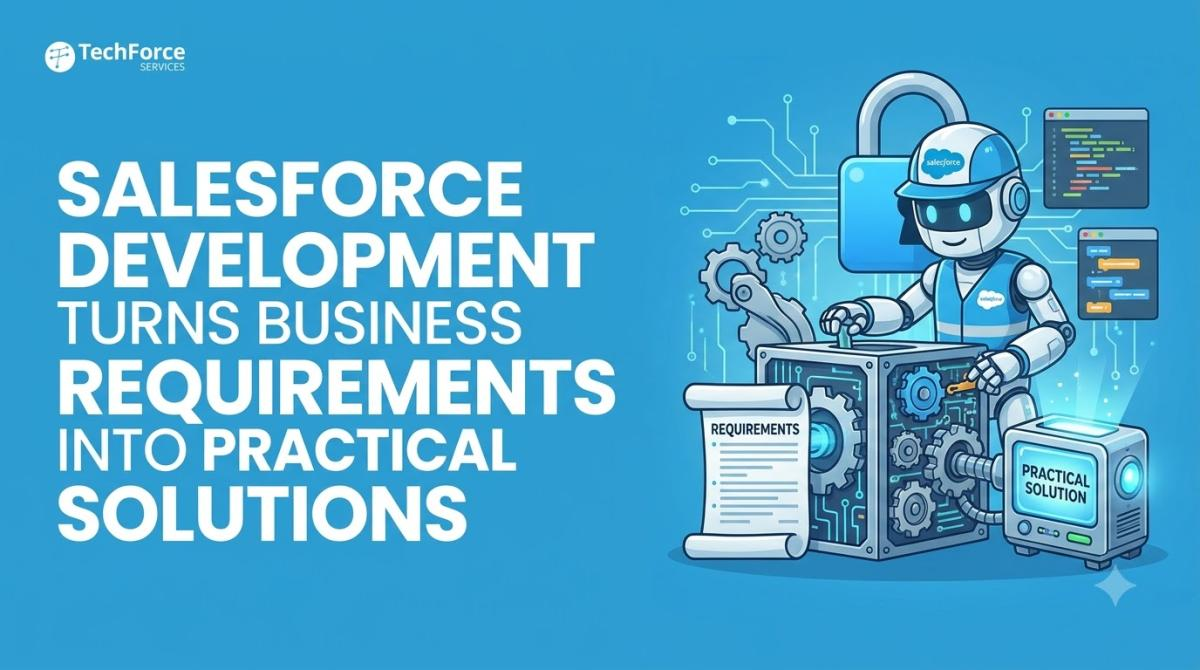
Businesses rarely operate in exactly the same way, even when they use the same CRM platform. A standard Salesforce configuration may support core sales or service activities, but specialised approval processes, complex integrations, and industry-specific requirements can call for additional functionality. Salesforce development allows organisations to adapt the platform to these needs without relying on disconnected tools for every exception.
The rise of AI-assisted workflows in 2026 adds another reason to approach custom development carefully. New capabilities can help teams automate routine work, but they depend on reliable data, clear permissions, and systems that behave consistently.
Why Do Businesses Need Custom Salesforce Development?
Standard CRM features provide a useful foundation, but they may not cover every operational requirement. A company might need a custom approval interface, a specialised customer portal, or a connection between Salesforce and an external finance or inventory system. Custom objects, Apex logic, Lightning Web Components, and APIs can help support these requirements.
The goal should be to solve a specific business problem, not to customise every process by default. Too much custom code can increase maintenance effort and make future upgrades more difficult. Before development begins, teams should compare native platform features with custom options and agree on how success will be measured.
Businesses evaluating Salesforce development services can consider how custom applications, integrations, and platform enhancements may fit their requirements. A clear scope helps developers focus on useful functionality while limiting unnecessary complexity.
How Can Teams Build Custom Features Without Creating New Risks?
Successful development requires more than writing code that works under ideal conditions. Developers need to account for user permissions, data access, error handling, performance, and the way a new component interacts with existing workflows. These considerations become especially important when applications process sensitive customer information or communicate with external systems.
Testing should cover normal scenarios as well as unexpected inputs, access restrictions, and failures. Salesforce's Apex testing guidance explains how automated tests help verify behaviour and support safer deployments. Development and testing environments also allow teams to validate changes before releasing them to production.
Security needs to remain part of the design process. Salesforce's secure coding guidance on access control explains why applications must respect appropriate access restrictions. This is particularly relevant when custom functionality exposes records, fields, or operations through interfaces and integrations.
How Do Health Checks Help Custom Salesforce Solutions Remain Reliable?
Development does not end when a new feature goes live. Business requirements change, integrations evolve, and platform updates may expose weaknesses in older implementations. Without regular review, a solution that once worked well can become harder to maintain or produce unexpected results.
A Salesforce health check can help identify performance issues, outdated automation, configuration conflicts, and security settings that need attention. For organisations planning new features, reviewing the existing environment first can reveal whether the problem comes from missing functionality or from an underlying configuration issue.
A structured Salesforce health check review can help teams prioritise these findings before making further changes. This creates a more reliable basis for development and reduces the chance of adding new functionality on top of unresolved problems.
Conclusion
Salesforce development gives businesses the flexibility to support specialised processes, connect systems, and improve how employees work with customer information. The strongest results come from clear requirements, secure design, thorough testing, and ongoing maintenance. Combining development with regular platform reviews helps organisations build useful capabilities while keeping their CRM environment stable and adaptable.





Comments (0)