

Microsoft 365 Consulting: A Smarter Way to Improve Business Productivity
Discover how Microsoft 365 consulting helps businesses improve productivity, streamline workflows, enhance collaboration, and automate daily tasks.

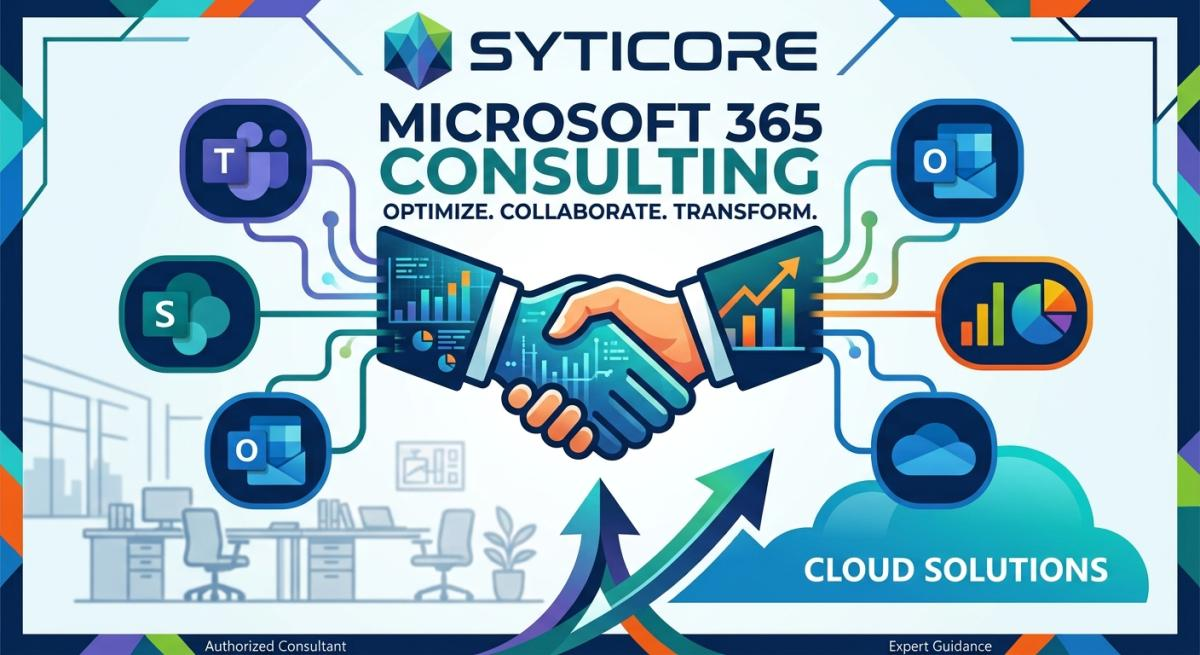
Businesses today need efficient technology to manage daily operations, improve communication, and support long-term growth. Microsoft 365 provides a powerful collection of applications that help organizations collaborate, organize information, and automate repetitive tasks. However, using these tools effectively requires the right planning and implementation strategy.
Microsoft 365 consulting helps businesses align technology with their operational goals. By improving existing workflows and connecting applications such as Microsoft Teams, SharePoint, and Power Automate, organizations can create a more productive and organized digital workplace.
What Is Microsoft 365 Consulting?
Microsoft 365 consulting involves evaluating business requirements and configuring Microsoft applications to improve productivity, collaboration, and information management. Rather than using each application separately, businesses can develop connected processes that support their daily activities.
Consulting may include reviewing existing systems, organizing documents, configuring collaboration tools, automating approvals, and improving user adoption.
For growing organizations, this approach helps ensure that Microsoft 365 supports actual business needs instead of adding unnecessary complexity.
Key Benefits of Microsoft 365 Consulting Services
Professional Microsoft 365 consulting services can help businesses identify inefficiencies and make better use of their technology investments.
Improved Team Collaboration
Microsoft Teams enables employees to communicate through chats, meetings, and shared workspaces. When configured properly, it helps teams coordinate projects, share information, and collaborate across different locations.
A structured collaboration environment can reduce communication gaps and make important information easier to access.
Better Document Management With SharePoint
SharePoint helps organizations create document libraries, internal portals, and centralized information repositories. Businesses can use it to organize project files, company policies, operational documents, and other resources.
SharePoint consulting can help establish clear site structures, improve document organization, and manage permissions so employees can access the information they need.
Increased Efficiency Through Automation
Many businesses still rely on manual approvals, email reminders, and repetitive data entry. These activities can consume valuable time and create avoidable delays.
Microsoft Power Automate allows organizations to create workflows that trigger notifications, assign tasks, route approval requests, and connect supported applications.
Automating suitable processes can help teams reduce administrative work and maintain more consistent procedures.
How Microsoft Business Solutions Support Business Growth
Microsoft business solutions provide tools that support communication, document management, data organization, and workflow automation. When these capabilities are implemented around specific business objectives, organizations can improve their operational efficiency.
For example, a company can use Microsoft Teams for communication, SharePoint for document storage, and Power Automate to manage internal approval processes.
This connected approach helps employees spend less time switching between disconnected systems and more time focusing on their responsibilities.
Businesses can also evaluate Microsoft 365 capabilities as their requirements evolve, making it easier to improve existing processes and support future growth.
Why Businesses Should Invest in Microsoft 365 Consulting
Every organization has different operational challenges. Some need better document management, while others want to automate repetitive administrative tasks or improve communication between departments.
Working with the right consulting provider can help businesses identify the most valuable improvements and implement solutions that match their requirements. Organizations exploring Microsoft 365 Consulting can learn more about Microsoft business solutions and how connected technologies can support more efficient business operations.
A business-focused approach prioritizes practical improvements, appropriate system configuration, and workflows that employees can use consistently. This helps organizations focus their technology investments on solving real problems.
Microsoft 365 Workflow Automation for Modern Businesses
Workflow automation is an important part of improving business productivity. Instead of depending on manual follow-ups, organizations can establish structured processes that move tasks forward automatically.
Common examples of Microsoft 365 workflow automation include:
- Sending notifications when new requests are submitted.
- Routing purchase orders or documents for approval.
- Assigning tasks to the appropriate employees.
- Managing employee onboarding checklists.
- Updating records when specific workflow conditions are met.
Before automating a process, businesses should review how the work is currently completed and identify unnecessary steps. Starting with a well-defined workflow makes implementation easier to evaluate and improve.
How to Choose the Right Microsoft 365 Consulting Partner
Selecting a consulting provider is an important step in developing an effective Microsoft 365 environment. Businesses should look for a provider that understands both Microsoft technologies and the operational requirements of the organization.
Evaluate Technical Expertise
Consider experience with Microsoft Teams, SharePoint, Power Automate, Power Apps, and other relevant Microsoft tools. The right expertise depends on the specific challenges your business needs to address.
Understand the Business Requirements
A suitable consulting approach begins by reviewing existing workflows, employee needs, and operational priorities. Recommendations should be connected to clear business objectives.
Consider Security and Governance
Businesses should review access permissions, document-sharing practices, and appropriate security controls when configuring Microsoft 365 applications.
Plan for Future Growth
Choose solutions that can adapt as the organization grows. Maintainable workflows, clear documentation, and appropriate employee training can make future improvements easier to manage.
Practical Steps to Get More Value From Microsoft 365
Businesses can improve their Microsoft 365 environment by following a structured implementation process.
- Assess existing systems: Identify workflow delays, communication gaps, and document management problems.
- Set clear priorities: Focus on improvements that address important operational challenges.
- Select suitable applications: Match business requirements with relevant Microsoft tools.
- Train employees: Help users understand the tools and follow consistent processes.
- Measure results: Review productivity, user adoption, and opportunities for further improvement.
This gradual approach helps organizations introduce practical improvements without disrupting every business process at once.
Conclusion
Microsoft 365 consulting helps businesses make better use of technology by improving collaboration, organizing information, and automating repetitive tasks. With a clear strategy, organizations can connect Microsoft applications to their daily operations and create more efficient workflows.
Whether a business wants to improve document management, simplify approvals, or strengthen team collaboration, the right Microsoft business solutions can support its long-term goals. By focusing on practical requirements and continuous improvement, organizations can build a more productive and adaptable workplace. Read more blogs














Comments (0)