

How to Choose the Best Motion Gaming Console for TV at Home
Learn how to choose a motion gaming console for TV by comparing features, game options, compatibility, setup, and price before buying.
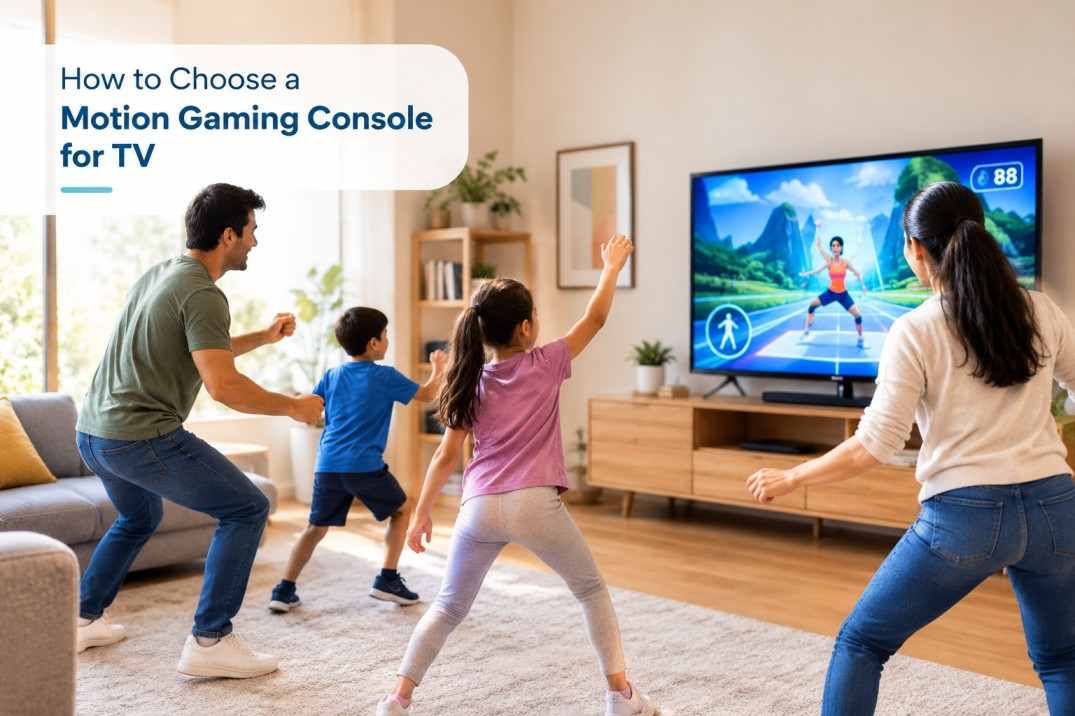
Gaming at home has changed a lot over the years. Today, people are looking for ways to make gaming more fun, interactive, and enjoyable for the whole family. Instead of spending all their time sitting with a controller, players can now enjoy games that involve body movements, quick reactions, and physical activity.
Choosing the right gaming system can be confusing because there are different features, game types, and setup requirements to consider. If you want to make gaming more active and entertaining at home, understanding what to look for before buying can help you make a better decision.
In this guide, we will explain the important features to check, the benefits of motion-based gaming, and how to choose a suitable option for your home.
What Is a Motion Gaming Console?
A motion gaming console is a gaming system that allows players to control certain games through body movements, gestures, or physical actions. Depending on the system, players may move their arms, step sideways, jump, or follow movements shown on the screen.
These games can include sports activities, dancing challenges, fitness games, and other interactive experiences. They offer a different way to enjoy digital entertainment because players can become physically involved in the gameplay.
A motion video game console can be a good choice for families who want to enjoy interactive games together. It can also make indoor entertainment more engaging, especially when outdoor activities are limited by weather or space.
However, different systems use different technologies. Some rely on cameras or motion sensors, while others use separate controllers or other tracking methods. Checking how the system works before buying is important.
7 Things to Consider Before Buying a Motion Gaming System
Choosing a gaming system is easier when you know which features matter most. Here are seven important things to check before making a purchase.
1. Check TV Compatibility
The first thing to consider is whether the gaming system works with your existing television. Check the supported TV connections and any other display requirements mentioned by the manufacturer.
Many modern gaming systems connect through an HDMI port, but connection requirements can vary. You should also check whether the system needs an additional device, camera, sensor, or internet connection to work properly.
Before buying, make sure your television and available space meet the system's requirements. This can help you avoid unexpected setup problems.
2. Understand How Motion Detection Works
Motion detection is one of the most important features of interactive gaming. It determines how the system recognises and responds to your movements.
Some systems use cameras to track body movements, while others use motion sensors or controller-based technology. The accuracy of this tracking can affect how smoothly the games respond.
Look for a system that offers clear movement tracking and easy controls. If possible, check product demonstrations or user reviews to understand how well the motion features work during actual gameplay.
3. Look for Games Suitable for Different Age Groups
If you plan to use the system with your family, check the available games before buying. A good selection should match the interests and abilities of the people who will use it.
For children, simple controls and easy-to-understand instructions can make gaming more enjoyable. Adults may prefer sports challenges, dance games, or activities that everyone can play together.
Also, check whether the system offers enough variety to keep players interested over time. A wide selection of suitable games can make the purchase more useful for the entire household.
4. Consider the Space Available at Home
Motion-based games often require more room than traditional games. Players may need space to stretch their arms, move sideways, or perform other physical actions without hitting nearby objects.
Before setting up the system, measure the available area in front of your television. Move furniture, remove obstacles, and keep the playing area clear.
If you live in a small apartment, look for games that support simple movements and do not require a large playing area. Always follow the recommended distance and safety instructions provided with the system.
5. Check the Setup and Ease of Use
A complicated setup can make a new gaming system difficult to use, especially for children or family members who are not familiar with gaming technology.
Look for clear setup instructions, simple controls, and an easy way to select games. Check whether additional accessories are required and whether the system needs regular software updates.
If several family members will use it, an easy-to-understand interface can make a big difference. The simpler the setup, the easier it may be for everyone to enjoy gaming without needing help every time.
6. Compare the Price and Overall Value
Price is another important factor when selecting a gaming system. However, choosing the cheapest option may not always provide the best value.
Compare the initial purchase price with the features included. Check whether games are included or need to be purchased separately. You should also look for possible subscription fees, accessory costs, and other ongoing expenses.
A system with suitable games, reliable performance, and easy controls may offer better long-term value than one with a lower upfront price but limited features.
Set a budget before you start comparing options. This will help you focus on systems that meet your needs without spending more than necessary.
7. Read Reviews and Check Customer Support
Product descriptions can explain the main features, but customer reviews may help you understand how a system performs at home.
Look for feedback about motion tracking, connection problems, game variety, setup, and durability. Pay attention to repeated comments rather than relying on one positive or negative review.
You should also check the warranty, return policy, and availability of customer support. These details can be helpful if the system develops a problem or you need assistance with installation.
What Are the Benefits of Motion-Based Gaming at Home?
Motion-based gaming can offer several benefits when used as part of a balanced entertainment routine.
Encourages movement: Some games involve dancing, stretching, stepping, and other physical actions. These activities can help players move more than they might during traditional seated gaming.
Makes family time interactive: Family members can play together, take turns, and compete in friendly challenges. This can create opportunities to spend quality time at home.
Offers variety in entertainment: Sports games, dance challenges, and movement-based activities can provide an alternative to watching television or playing conventional video games.
Can be suitable for different skill levels: Many games offer simple instructions and beginner-friendly challenges, making them accessible to people with different gaming experiences.
Makes indoor activities more engaging: On days when going outside is difficult, interactive games can provide another way to enjoy movement and entertainment indoors.
Remember that the amount of physical activity depends on the game and how it is played. Motion gaming should complement other forms of exercise rather than replace regular physical activity.
How to Choose the Right Option for Your Family
The right choice depends on who will use the system and what you expect from it.
If you are buying for young children, focus on age-appropriate games, simple controls, and safe movement requirements. If adults and children will play together, look for multiplayer options and activities that suit different abilities.
For smaller homes, consider systems that work comfortably in limited space. If you want to use gaming for active entertainment, pay close attention to the available movement-based games rather than judging the system only by its appearance or technical specifications.
A motion gaming console for tv should fit your existing setup, available space, budget, and family's interests. Taking time to compare these factors can help you choose an option that everyone can enjoy.
Common Mistakes to Avoid When Buying
Before making your final decision, avoid these common mistakes:
-
Ignoring compatibility: Always check whether the system works with your television and other devices.
-
Overlooking space requirements: Make sure there is enough room for safe movement during gameplay.
-
Choosing based only on price: Compare features, included games, and additional costs.
-
Not checking game availability: Confirm that the system offers activities suitable for your family.
-
Ignoring warranty details: Understand the return policy and support options before purchasing.
-
Expecting every game to provide exercise: The level of movement varies between games, so check the gameplay carefully.
A little research before buying can help you avoid disappointment and choose a system that suits your home.
Frequently Asked Questions (FAQs)
1. What should I look for when buying a motion gaming console?
Check TV compatibility, motion-tracking technology, game selection, space requirements, ease of setup, price, warranty, and customer reviews before making a decision.
2. Can motion gaming systems work with a regular TV?
Some systems can connect to regular televisions, provided the TV has the required connections and meets the system's specifications. Always check compatibility before buying.
3. Are motion-based games suitable for children?
Many motion-based games are designed for children and families. However, parents should check age recommendations, game content, movement requirements, and safety instructions before allowing children to play.
4. Do motion gaming systems require a lot of space?
Not always. Space requirements depend on the system and the type of game. Some activities need only small movements, while others require a larger clear area.
5. How do I find the best console for motion games?
Compare motion-tracking accuracy, available games, TV compatibility, ease of use, safety requirements, and overall cost. Choose a system that matches your family's needs rather than relying on price alone.
6. Can motion gaming replace outdoor exercise?
No. Motion gaming can encourage movement, but it should not replace regular exercise, outdoor play, or other physical activities. It is best used as one part of a balanced routine.
Final Thoughts
Choosing a motion-based gaming system becomes much easier when you focus on your family's needs instead of looking at features alone. Check compatibility, game selection, motion tracking, setup requirements, available space, and overall cost before making a purchase.
The right choice can turn ordinary gaming time into a more interactive experience that brings family members together. With a little research and realistic expectations, you can find a gaming system that fits your home and provides enjoyable entertainment for everyone.

Mishika Ahuja works with Plazmo, a brand that offers motion gaming consoles for kids and families. Plazmo makes gaming more fun by using simple body movements to play games. It helps kids stay active while enjoying screen time with their family. Pre-order your Plazmo Motion Gaming Console and enjoy a new way to play at home. Visit At: https://plazmo.in/plazmo-motion-gaming-console/










Comments (0)