

Can You Connect a Chatbot to WhatsApp, Your CRM, and Your Website When You Hire Chatbot Developers?
Connecting a chatbot to WhatsApp, your CRM, and your website requires the right APIs, account approvals, and shared conversation history. Learn how to plan integrations, manage permissions, prevent duplicate records, and ensure smooth human handoffs when you hire chatbot developers.
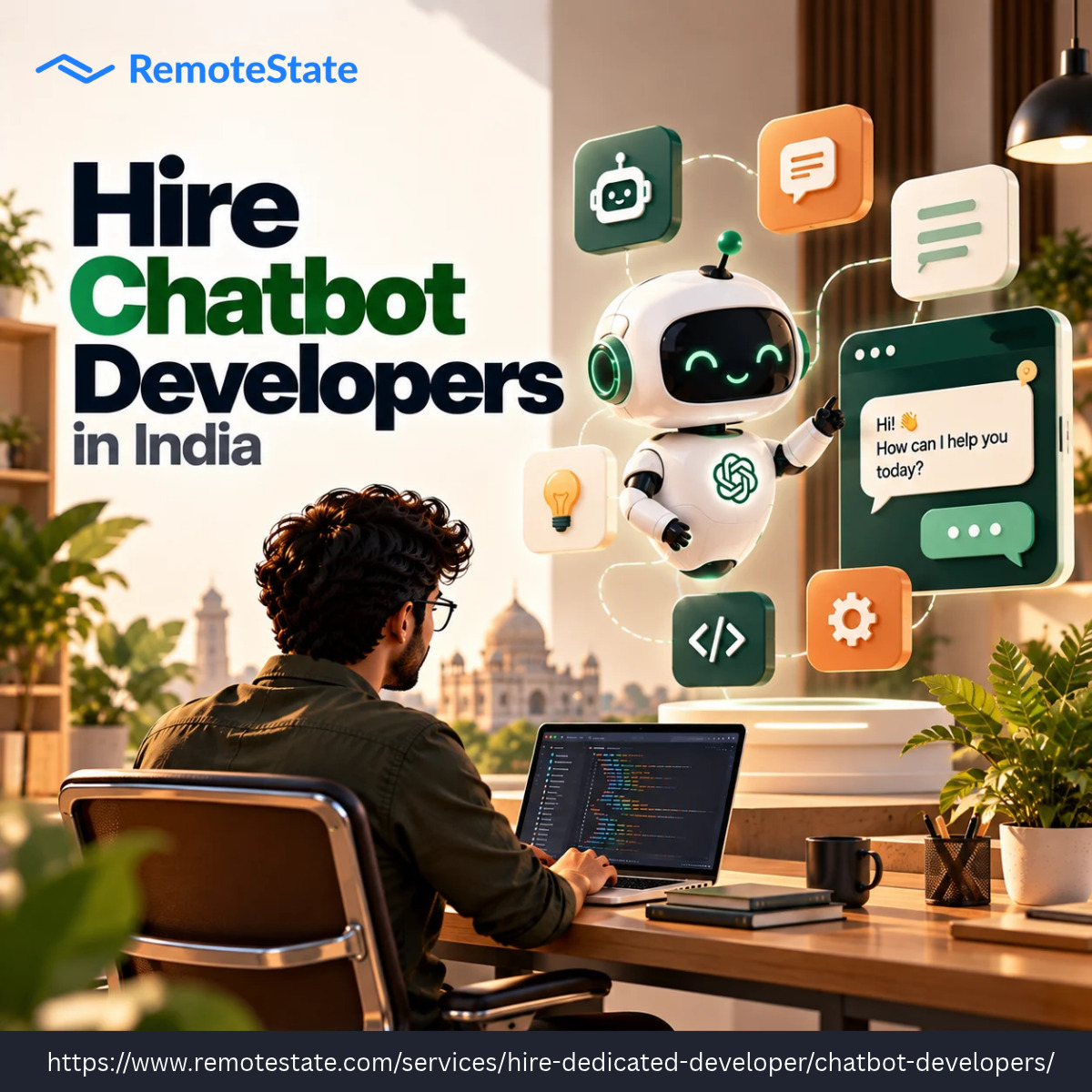
Yes, and most business bots are built exactly this way. One conversation engine sits in the middle, and each channel plugs into it. The real work is making sure a customer who starts on your website and continues on WhatsApp doesn’t have to repeat themselves. That is what to test when you hire chatbot developers.
How Each Connection Works
WhatsApp and Website: Where Customers Talk
On the website, the bot usually loads as a chat widget through a small embedded script, so setup is quick. WhatsApp takes more preparation. It runs through the WhatsApp Business Platform, which needs a verified business account and Meta’s approval. Customers must opt in before you message them first, and messages sent outside the 24-hour reply window generally require pre-approved templates. Developers who have done this before plan for these rules from the start, so the launch isn’t held up in review.
CRM: Where the Data Lives
Platforms like Salesforce, HubSpot, and Zoho expose APIs that let the bot read and write records. In practice, the bot can look up a customer by phone number or email, log the conversation, create a lead, or open a support ticket. Decide early which actions the bot may take on its own and which need a person’s approval, since writing to a CRM is a bigger step than reading from it.
How the Build Usually Runs
-
Map the journeys: list the top questions and tasks customers bring, and which channel each one starts on
-
Set up the accounts: WhatsApp approval can take days, so start it first
-
Connect the CRM: define which fields the bot reads and writes, and test with sample records
-
Unify the conversation: link each customer’s identity across channels so history carries over
-
Add human handoff: pass the full conversation to a person when the bot can’t help
-
Test and monitor: review real conversations after launch and refine
Where Projects Slip
The common problems are duplicate CRM records, lost context between channels, and templates rejected by Meta. Each is easy to avoid when planned for and expensive when discovered late.
Hiring With Integration in Mind
If you plan to hire Chatbot developers in India, ask which CRMs and channels they’ve connected before, how they handle data privacy, and what their handoff to a human looks like. Specific examples tell you more than a list of tools.
Planning Your Setup
The right design depends on your channels, your CRM, and how much the bot should do alone. If you want to see how this would work for your business, RemoteState works with teams to map the channels and systems, define the bot’s permissions, and scope the build before any commitment.

Harry Wilson is an IT Consultant at RemoteState, an Agentic AI development company specializing in AI solutions, technology research, market trends, and digital transformation. Visit us: https://www.remotestate.com/golang/










Comments (0)