

Budget PC Build: Where to Spend and Where to Compromise
A budget PC build is not simply a cheaper version of a high-end gaming computer. It requires a different approach to component selection, where every part has to justify its place in the system.
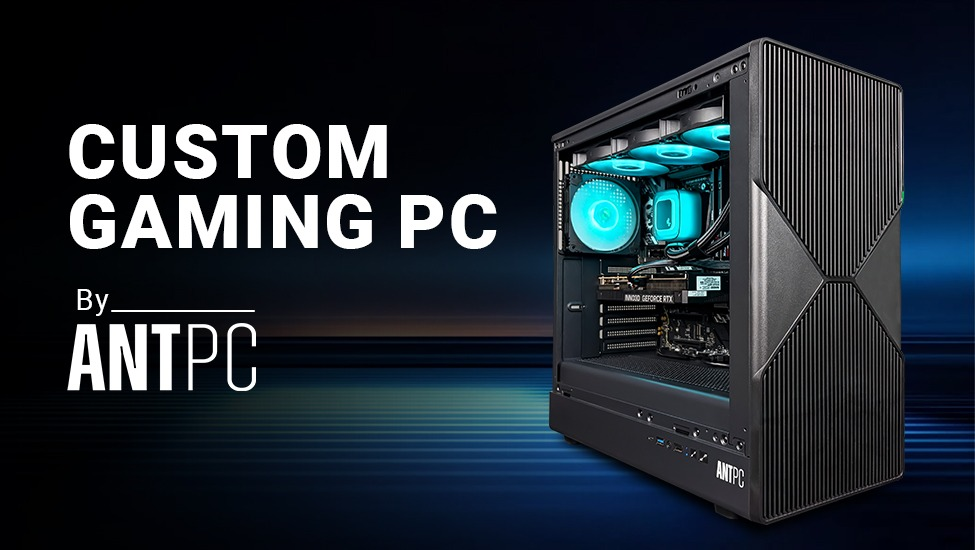
For gamers, the challenge is particularly clear: reduce the total cost without creating a configuration that delivers inconsistent performance, becomes difficult to upgrade, or compromises the components that matter most to gaming.
A sensible gaming PC build therefore starts with priorities, not a shopping list.
The Cheapest Configuration Is Not Always the Best Value
Price is an obvious starting point for a budget system, but the lowest purchase price can create higher costs later.
Choosing a motherboard with limited expansion, insufficient storage, a weak power supply or inadequate cooling may reduce the initial budget while restricting future upgrades. Similarly, saving money on memory or storage can become frustrating as modern games and applications continue to demand more capacity.
A better budget strategy is to identify which components directly influence the intended workload and allocate the available budget accordingly.
For a gaming-focused machine, the graphics subsystem will generally deserve significant attention. But that does not mean putting the entire budget into the GPU and compromising everything else. The processor, memory, storage, power supply and cooling still need to form a balanced platform.
Build Around the Gaming Resolution
The target display resolution is one of the simplest ways to define a gaming PC build.
A system intended for 1080p gaming has different requirements from one designed for 1440p. Higher resolutions generally increase the demand placed on the graphics card, while competitive gaming at high refresh rates can place greater emphasis on CPU performance and consistent frame delivery.
This distinction matters because buying hardware without considering the monitor can result in inefficient spending.
A budget gaming system should therefore begin with a practical question: What resolution and refresh rate is the PC actually expected to support?
Where a Budget Gaming Rig Should Not Cut Costs
Not every component needs to be premium, but some compromises can create problems beyond reduced performance.
The power supply is one example. It should have appropriate capacity, efficiency and protection features for the complete configuration. Cooling is another. A processor may have impressive specifications, but sustained workloads still depend on adequate thermal management.
The same principle applies to the motherboard. A budget motherboard can be perfectly appropriate when its specifications match the requirements, but excessive cost-cutting can limit memory expansion, storage options or future processor upgrades.
A well-designed budget gaming rig is therefore selective about compromises rather than cheap across the board.
Think About the Next Upgrade
A budget PC does not have to remain a budget system forever.
One of the advantages of building a PC is the ability to upgrade individual components as requirements change. A sensible initial configuration can leave room for additional memory, larger storage or a future graphics-card upgrade.
This makes platform selection important even when the initial budget is limited. Spending slightly more on a component that provides meaningful upgrade flexibility can sometimes be more practical than replacing the complete system later.
What Makes a Good Budget Gaming PC?
A good budget PC build is not defined by a particular price point or a fixed list of components. It is defined by how efficiently the available budget is converted into useful performance.
For a gaming PC build, that means matching the GPU and CPU to the intended games and display, while maintaining adequate memory, storage, power delivery and cooling. For a budget gaming rig, it also means avoiding compromises that create immediate bottlenecks or unnecessary upgrade costs.
The objective is simple: spend where performance matters, save where it does not, and build a platform that remains useful beyond its first year.

Working at ANT PC, a premier Indian custom systems integrator specializing in high-performance workstations, GPU servers, and AI computing infrastructure. The company designs bespoke rigs optimized for demanding, compute-intensive workloads. They cater heavily to AI researchers, creators, data scientists, engineers, and gaming enthusiasts across India.







Comments (0)