

A Practical Guide to Choosing and Installing a Smart Thermostat
Smart thermostats have become an increasingly popular solution for homeowners looking to improve indoor comfort while managing energy consumption more


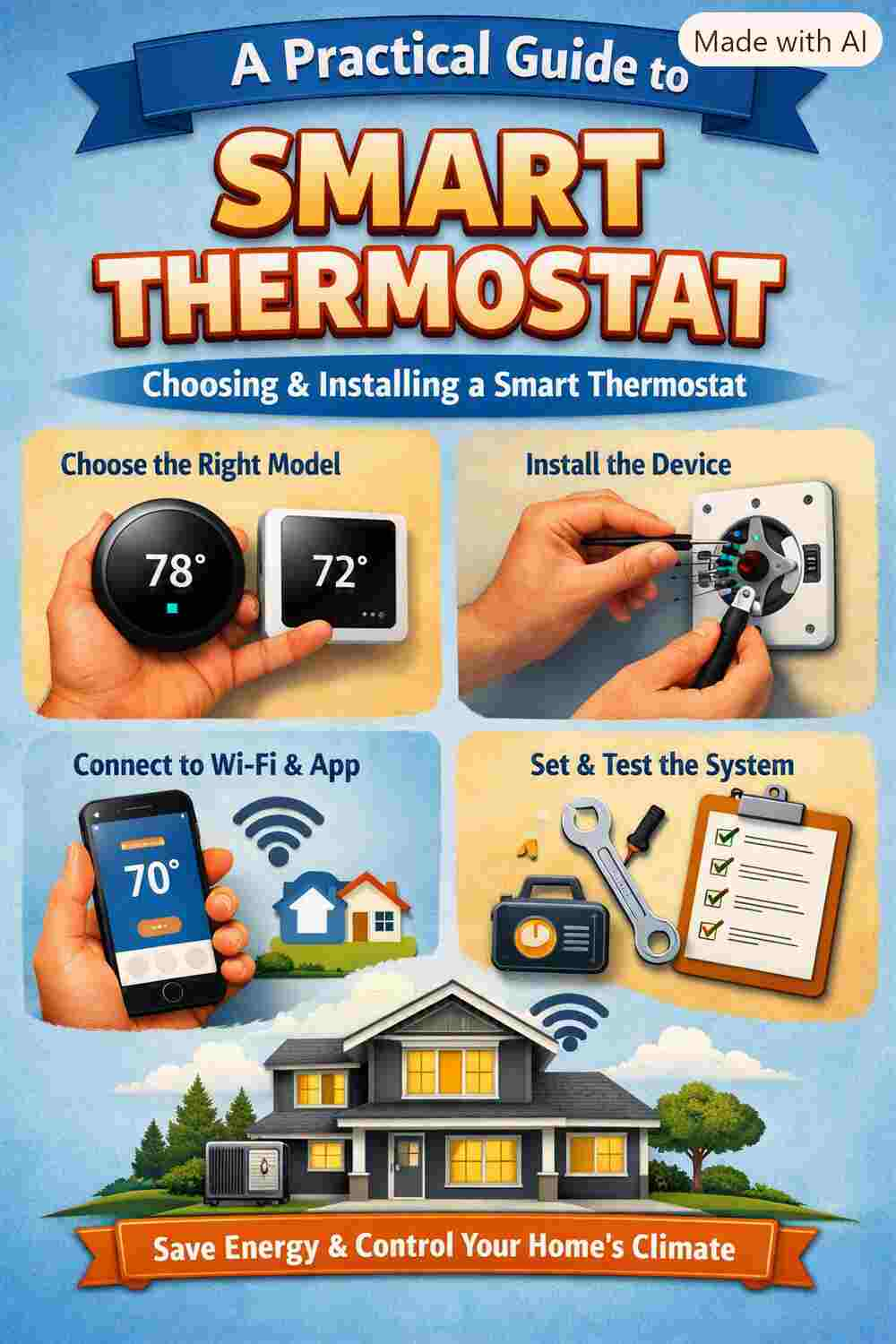
Smart thermostats have become an increasingly popular solution for homeowners looking to improve indoor comfort while managing energy consumption more effectively. Unlike traditional thermostats, smart models can learn temperature preferences, follow customized schedules, connect to mobile devices, and in many cases provide useful information about heating and cooling performance.
However, Harga ACchoosing and installing the right smart thermostat requires more than simply selecting the model with the most features. Compatibility, wiring, HVAC system type, connectivity, and installation requirements all need to be considered. This practical guide explains the key factors to understand before upgrading to a smart thermostat.
Understand How a Smart Thermostat Works
A smart thermostat controls your heating and cooling equipment in much the same way as a conventional thermostat, but it adds digital connectivity and automated features. Depending on the model, users can adjust indoor temperatures through a touchscreen, smartphone application, voice assistant, or automated schedule.
Many smart thermostats can also monitor temperature patterns and provide energy-use information. Some models use sensors to detect occupancy and adjust settings when rooms are empty. These features can make temperature management more convenient and potentially reduce unnecessary HVAC operation.
Before purchasing one, it is important to understand which features are actually useful for your household rather than paying for functions you may never use.
Check HVAC Compatibility First
One of the most important steps when choosing a smart thermostat is checking whether it is compatible with your existing HVAC system. Not every thermostat works with every heating and cooling configuration.
Your system may include central air conditioning, a furnace, a heat pump, electric heating, multi-stage equipment, or auxiliary heating. Some systems also use specialized wiring or control configurations.
Check the manufacturer's compatibility information before purchasing a thermostat. Pay particular attention to the number and type of terminals used by your current thermostat. If you are unsure about your HVAC configuration, consulting a qualified HVAC technician can help prevent an incompatible purchase.
Pay Attention to the C-Wire
The common wire, often called the C-wire, supplies continuous power to many smart thermostats. Some smart thermostats require a C-wire, while others can operate without one by using alternative power solutions.
Before removing your existing thermostat, carefully inspect the wiring and identify the terminals. The presence of a wire does not always guarantee that it is actively connected or suitable for the new thermostat.
If your system does not have a C-wire, you may have several options depending on the thermostat and HVAC equipment. Some manufacturers provide a power adapter or installation accessory designed for systems without a traditional C-wire.
Do not assume that an adapter will work with every HVAC system. Always follow the thermostat manufacturer's installation instructions.
Choose Features That Match Your Needs
Smart thermostats are available with a wide range of features. Wi-Fi connectivity is one of the most common because it allows users to control temperature settings remotely through a smartphone.
Scheduling is another valuable feature. Instead of manually adjusting the thermostat throughout the day, you can create temperature settings based on your daily routine. For example, the system can use different settings when the household is sleeping, away, or preparing for the evening.
Other features may include room sensors, geofencing, energy reports, weather information, learning algorithms, and integration with smart home platforms.
Consider your lifestyle before choosing a model. A homeowner who primarily wants remote temperature control may not need an advanced learning thermostat with multiple sensors.
Prepare for Installation
Once you have selected a compatible thermostat, prepare the installation area. Turn off power to the HVAC system before working with thermostat wiring. This helps reduce the risk of electrical damage and protects the equipment.
Take a clear photograph of the existing thermostat wiring before disconnecting anything. Labeling wires can also make the installation process easier.
Remove the old thermostat carefully and follow the manufacturer's instructions for mounting the new base. Make sure the thermostat is installed in a suitable location away from direct sunlight, drafts, heat-producing appliances, and other sources that could distort temperature readings.
Connect the Wiring Carefully
Smart thermostat wiring should be performed according to the manufacturer's wiring diagram. Different HVAC systems may use different terminal configurations, so wire colors alone should not be used as the only guide.
Connect each wire to the appropriate terminal and make sure the connections are secure. Loose wiring can cause unreliable operation or prevent the thermostat from communicating correctly with the HVAC equipment.
If the wiring configuration is unfamiliar, complicated, or involves a multi-stage or heat-pump system, professional installation is a safer option.
Configure the Thermostat
After installation, restore power and complete the thermostat's setup process. Most smart thermostats guide users through system configuration, Wi-Fi connection, temperature preferences, and scheduling.
Connect the thermostat to your home's Wi-Fi network and install the manufacturer's mobile application if remote control is available. You can then configure temperature schedules according to your household's daily activities.
After setup, test both heating and cooling functions if applicable. Confirm that the HVAC system responds correctly to temperature adjustments and that the thermostat displays accurate information.
Use Smart Features Efficiently
Installing a smart thermostat is only the first step. To get the most value from it, use its automation features intelligently.
Create a realistic temperature schedule instead of making frequent manual adjustments. If the thermostat supports occupancy detection or geofencing, configure those features according to your routine.
It is also useful to review energy reports periodically. These reports can help identify patterns in HVAC operation and provide insight into when your system is working hardest.
Remember that a smart thermostat cannot compensate for an inefficient HVAC system. Dirty filters, blocked airflow, refrigerant problems, poor insulation, and aging equipment can still increase energy consumption.
When to Call an HVAC Professional
While some smart thermostat installations are straightforward, professional assistance is recommended when compatibility is uncertain or the wiring is complex. An HVAC technician can identify the existing system configuration, verify wiring, install the thermostat correctly, and test the equipment.
Professional installation can be particularly valuable for heat pumps, multi-stage systems, zoned HVAC systems, and other advanced configurations.
Conclusion
Choosing and installing a smart thermostat can be a practical way to improve temperature control and make HVAC management more convenient. The key is to start with compatibility rather than features alone. Check your HVAC system, understand the wiring requirements, choose features that suit your lifestyle, and follow the manufacturer's installation instructions carefully.
When properly selected and configured, a smart thermostat can become an effective part of a modern home comfort system. Combined with regular HVAC maintenance and efficient operating habits, it can help create a more comfortable and manageable indoor environment.







Comments (0)