

What Is PST Converter Software?
What Is PST Converter Software? 10X Think Guide for Outlook Data Conversion

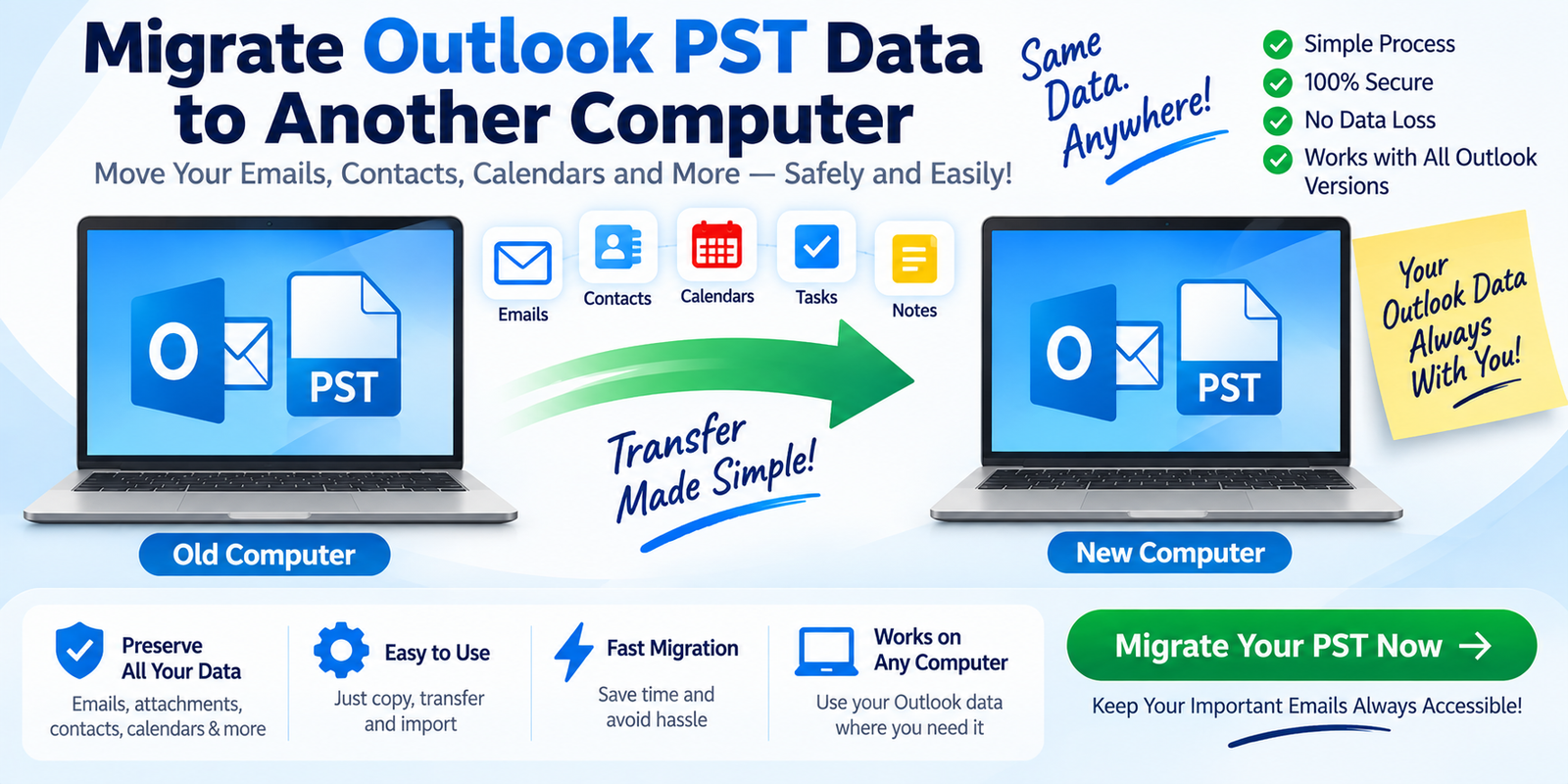
An Outlook PST file can hold years of valuable emails, attachments, contacts, calendars, tasks, notes, and archived conversations. But when you need to move that information to another email client, extract specific messages, or work with an old Outlook archive, the PST format can become a limitation.
This is where PST Converter Software comes in.
PST Converter Software is a specialized application that reads Outlook PST files and converts or exports their stored mailbox data into other supported formats. Depending on the software, it may support formats such as MBOX, EML, MSG, HTML, or PDF, along with features for previewing, filtering, selective conversion, and handling large or difficult PST files.
In this 10X Think guide, we will look at PST conversion from a practical, technical, and SEO-focused perspective.
What Is a PST File?
PST stands for Personal Storage Table. It is an Outlook data-file format used to store mailbox information locally.
A PST can contain:
- Emails
- Attachments
- Contacts
- Calendars
- Tasks
- Notes
- Custom folders
- Archived messages
Think of a PST file as a digital mailbox container.
Instead of keeping every message as a separate file, Outlook can organize large amounts of mailbox data inside a structured PST file.
The challenge appears when another application does not natively work with PST.
For example, a user moving from Outlook to an MBOX-based email environment may need:
Outlook PST → MBOX
Someone who needs individual messages may require:
Outlook PST → EML
This is the basic problem that PST conversion software is designed to address.
What Does PST Converter Software Do?
At a high level, PST Converter Software performs four major jobs:
Read → Understand → Convert → Export
The software first reads the PST structure. It then identifies folders and mailbox items, allows the user to select the desired data or format where supported, and finally creates the output in the selected format.
A typical workflow looks like this:
PST File → Scan → Preview → Select → Convert → Verify
The exact workflow differs between products, but the overall concept remains the same.
Why Do People Need PST Converter Software?
There is rarely just one reason to convert a PST file.
1. Email Migration
One of the most common reasons is migration.
A company may move from Outlook to another email client or platform. If the destination does not accept PST directly, converting the data into a compatible format can make the migration easier.
2. Legacy Archive Access
Businesses often keep old PST files for historical reference.
An archive could contain years of customer conversations, project discussions, invoices, contracts, or attachments.
When the original Outlook environment is unavailable or inconvenient to use, conversion can provide another way to work with that data.
3. Cross-Platform Data Transfer
Different email systems use different storage formats.
PST is closely associated with Outlook, while other platforms may use MBOX, EML, or other formats.
A converter acts as a bridge between these environments.
4. Selective Data Extraction
Sometimes you do not need the whole mailbox.
You may only want one folder, a particular date range, or selected messages.
A converter with selective export can make this process more manageable.
5. Data Recovery and Difficult Files
Some PST converter products include recovery-oriented scanning for damaged or inaccessible PST files.
That can be useful when normal Outlook access is not working.
However, conversion and recovery are different tasks, and results depend on the condition of the source file.
PST Converter Explained Like an ELI5
Imagine you have a large suitcase.
Inside are:
letters + photographs + documents + notebooks
Everything is packed neatly, but only one specific type of machine knows how to open and organize that suitcase.
Now imagine you want to move the contents into a different type of storage system.
You need something that can:
- Open the suitcase
- Identify what is inside
- Separate the items
- Put them into the new storage format
A PST converter works in a similar way.
The PST is the suitcase.
The emails, attachments, contacts, and other Outlook items are the contents.
The converter is the translator and organizer that helps move those contents into another supported format.
How Does PST Converter Software Work?
Let's look at the technical workflow more closely.
Step 1: Add the PST File
The user selects the source PST file.
Some applications provide file detection, while others use a manual browse option.
Step 2: Analyze the PST Structure
The application scans the PST and identifies available mailbox folders and items.
This may include:
- Inbox
- Sent Items
- Drafts
- Deleted Items
- Custom folders
- Contacts
- Calendars
- Tasks
Step 3: Preview the Data
Preview functionality is valuable because users can inspect the mailbox before export.
Instead of converting blindly, they can verify whether important messages and folders are visible.
Step 4: Select Specific Data
Where supported, the user can choose individual folders, date ranges, or mailbox items.
This is particularly useful for large PST archives.
Step 5: Choose the Output Format
The user selects the format required for the target environment.
Examples include:
PST → MBOX
PST → EML
PST → MSG
Some software may support additional export options.
Step 6: Convert the Selected Data
The application processes the selected mailbox information and creates output files.
Step 7: Verify the Results
This is one of the most important stages.
After conversion, users should verify:
- Email content
- Sender and recipient information
- Attachments
- Dates
- Folder organization
- Contacts
- Calendars
- Other required data
A migration should not be considered complete until the exported data has been checked.
What Features Should Good PST Converter Software Have?
Not all PST converters are built for the same purpose.
When evaluating a product, consider the following capabilities.
Multiple Output Formats
Choose software that supports the format required by your destination.
A tool that only exports one format may not be suitable for every migration.
Preview
Preview makes it easier to inspect the PST before conversion.
This is particularly useful with large archives or files whose contents are uncertain.
Selective Conversion
Users should be able to convert only the folders or items they actually need when the software supports this capability.
Attachment Preservation
Email attachments can contain essential business information.
Check whether the product preserves attachments and keeps them associated with their original messages.
Folder Structure Preservation
Maintaining the original mailbox hierarchy can reduce manual cleanup after migration.
For example:
Inbox → Customers → Project A → Project B
is much easier to manage when the organization survives conversion.
Large PST Support
A large PST can contain substantial amounts of data.
Before processing a large archive, check software limitations, storage requirements, and supported file sizes.
Recovery-Oriented Scanning
For difficult PST files, some applications provide advanced scanning intended to identify accessible content despite file damage.
Again, recovery results are dependent on the file condition.
What Is the Difference Between PST Conversion and PST Migration?
These terms are often used together, but they describe different processes.
PST Conversion
Conversion means changing or exporting PST data into another supported format.
Example:
PST → MBOX
PST Migration
Migration means moving data from one environment to another.
Example:
Old Computer → New Computer
A migration project may involve PST conversion, but not every migration requires format conversion.
For instance, an intact PST may simply be transferred to another computer and opened in a compatible Outlook environment.
Can PST Converter Software Work Without Outlook?
Some third-party PST conversion applications are designed to process PST files without requiring the original Outlook installation.
This can be useful when:
- The old computer is unavailable
- Outlook is not installed
- You are working with archived PST files
- You need to create another email format
- You want to process the PST on a dedicated workstation
However, this capability differs between products, so always check the vendor's documented requirements before purchasing.
Can PST Converter Software Handle Corrupted PST Files?
Some professional tools offer additional scanning or recovery-oriented functionality for damaged PST files.
However, a corrupted PST is not the same as a healthy PST.
Depending on the damage, some information may be readable while other information may not be.
A sensible workflow is:
Create a backup → Test the file → Scan → Preview → Convert → Verify
There is no universal guarantee that every piece of damaged data can be recovered.
Free vs. Professional PST Converter Software
Users searching for Free PST Converter Software may find tools intended for basic conversion tasks.
Free products may have restrictions related to:
- Number of items
- Output formats
- File size
- Batch processing
- Filtering
- Technical support
- Recovery features
Professional software may provide broader functionality, which can be more useful for business migrations or complex PST archives.
The right choice depends on your actual requirements rather than simply whether the product is free or paid.
Who Can Benefit From PST Converter Software?
PST conversion software can be useful for:
Individual Users
For migrating personal Outlook archives or accessing old email data.
IT Administrators
For handling legacy mailbox data and migration projects.
Businesses
For managing historical employee or customer PST archives.
Data Recovery Professionals
For authorized processing of difficult or inaccessible PST files.
Email Migration Consultants
For converting mailbox archives when moving clients between different email environments.
How to Choose the Right PST Converter
Use a requirement-first approach.
Before choosing software, ask:
What is the source?
Healthy, large, old, or damaged PST?
What is the destination?
MBOX, EML, MSG, HTML, PDF, or another format?
How much data needs to be converted?
One folder or an entire archive?
What must be preserved?
Emails, attachments, contacts, calendars, dates, and folder structure?
Do you need Outlook installed?
Check whether the software can process PST independently.
These questions make software comparison much more meaningful.
Is PST Conversion Safe?
PST files can contain confidential business emails, customer information, documents, and personal communication.
A safer migration workflow includes:
- Backing up the original PST
- Working from a copy where practical
- Using reputable software
- Reviewing privacy and data-processing practices
- Maintaining adequate storage
- Verifying converted data
- Keeping the original file until the migration is complete
For sensitive information, users should understand whether the conversion occurs locally or involves uploading data to an external service.
10XThink: The Bigger Role of PST Converter Software
The real value of PST Converter Software is not simply changing one file extension to another.
Its larger role is data interoperability.
Modern organizations often use multiple email applications, cloud platforms, legacy archives, and migration systems. Data becomes difficult to use when one platform stores information in a format another platform does not understand.
A PST converter can help bridge that gap.
Think of the software as a data translation layer between Outlook and another supported system.
That perspective is especially useful for:
- Long-term email archives
- Business migrations
- Legacy data access
- Cross-platform transfers
- Selective extraction
- Email preservation workflows
Frequently Asked Questions
What is PST Converter Software?
PST Converter Software is a specialized application used to read Outlook PST files and convert or export their mailbox data into supported formats.
Can PST be converted to MBOX?
Yes, software that supports MBOX output can convert PST mailbox data into MBOX format.
Can PST be converted to EML?
Yes. Compatible software can export individual messages from a PST into EML files.
Can PST be converted without Outlook?
Some third-party applications support PST processing without the original Outlook installation. Product-specific requirements should be checked.
Can corrupted PST files be converted?
Some software provides advanced scanning or recovery-oriented functionality for damaged PST files, but results depend on the extent of the corruption.
Does PST conversion preserve attachments?
Many professional converters support attachment preservation, but this should be verified with a test conversion.
Does PST conversion preserve folders?
Some tools preserve the original folder hierarchy. Check the product specifications before purchasing.
Is complete PST recovery guaranteed?
No. The outcome depends on the source file, its condition, and the software's capabilities.
Final Thoughts
What is PST Converter Software? It is a specialized solution for processing Outlook PST files and converting their stored mailbox information into other supported formats.
Its practical uses extend beyond basic file conversion. It can support email migration, archive management, selective extraction, cross-platform data transfer, and certain recovery-oriented workflows.
The most effective way to approach PST conversion is to start with the destination requirement. Decide whether you need MBOX, EML, MSG, or another supported format. Then evaluate the software for preview, folder preservation, attachment handling, selective conversion, large-file support, security, and recovery capabilities.
For a simple, healthy PST file, conversion may be straightforward. For large or problematic archives, a more advanced workflow may be necessary.
The key idea is simple:
PST Converter Software acts as a bridge between Outlook's PST data and the system where you need that data next.





Comments (0)