iOS Mobile App Development in the Liquid Glass Era
Apple describes Liquid Glass as a dynamic material designed to create hierarchy, harmony, and consistency across its platforms.
 jerrysharon9
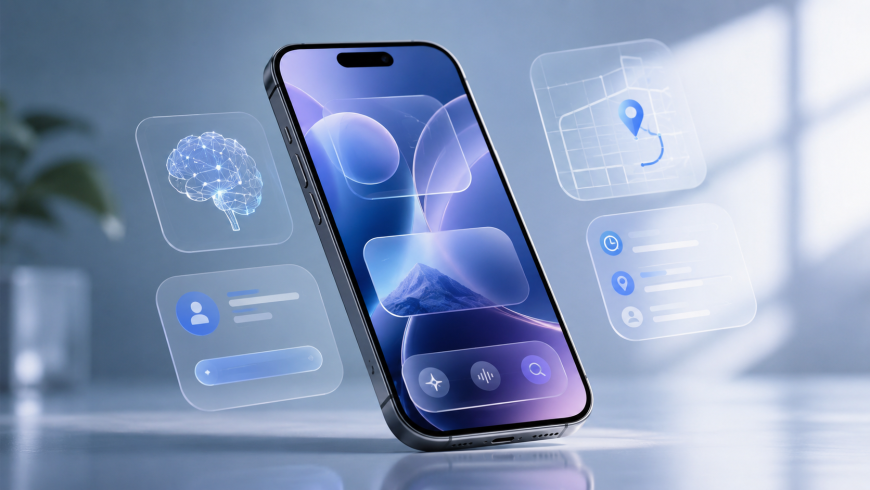
The latest Apple design direction is creating a new phase for iPhone application development. iOS app development Liquid Glass projects are increasingly focused on adaptive interfaces, native components, and visual hierarchy instead of simply copying older UI patterns into a new style.
Apple describes Liquid Glass as a dynamic material designed to create hierarchy, harmony, and consistency across its platforms. Standard SwiftUI and UIKit components can adopt the updated appearance on supported releases.
What Has Changed?
Older mobile interfaces often depended on fixed visual structures.
Developers designed:
- Static navigation bars
- Fixed cards
- Custom buttons
- Opaque backgrounds
- Screen-specific controls
The new direction encourages more fluid relationships between content and controls.
That means developers need to rethink interface architecture, not just colors and shapes.
Native Components Are More Important
One major advantage of Apple’s ecosystem is its strong collection of native UI components.
When developers use standard SwiftUI or UIKit controls, Apple can update their appearance and behavior as the operating system evolves.
This reduces the amount of custom visual code businesses need to maintain.
For long-term products, that can be a major advantage.
SwiftUI Becomes a Strategic Choice
SwiftUI allows developers to build declarative interfaces that adapt to different environments.
It is particularly useful for businesses that want their application architecture to evolve with Apple’s broader platform ecosystem.
Apple recommends SwiftUI for visionOS development and notes that it provides access to platform-specific capabilities.
Therefore, teams starting new projects should seriously evaluate SwiftUI instead of automatically choosing legacy UI approaches.
Modernize Without Rebuilding Everything
Businesses with existing applications should not assume that Liquid Glass requires a complete rewrite.
Apple specifically notes that adopting Liquid Glass does not mean reinventing an existing application from the ground up.
A practical approach is to modernize in stages.
Stage 1: Technical Audit
Review the codebase, dependencies, UI architecture, and deployment targets.
Stage 2: Visual Audit
Identify screens that look outdated or contain unnecessary custom components.
Stage 3: Component Modernization
Move suitable controls toward native components.
Stage 4: SwiftUI Adoption
Use SwiftUI for new features or selected redesigned screens.
Stage 5: Testing
Verify behavior, accessibility, and performance across supported devices.
Performance Still Matters
Visual effects should never come at the expense of usability.
Developers should monitor:
- Scrolling performance
- Memory consumption
- Animation smoothness
- Rendering complexity
- Battery impact
- App launch performance
A modern interface must still feel fast.
Design for Different Users
A strong iOS application should support different accessibility needs.
Liquid effects, transparency, motion, and layered interfaces should be tested with accessibility settings enabled.
The objective is not to make every interface visually identical. It is to make the experience understandable for as many users as possible.
Why Businesses Need Specialized Expertise
A professional Custom iOS App Development Company can help organizations balance design modernization with technical stability.
This is especially useful for older applications where a seemingly small UI change can affect navigation, business logic, analytics, and automated testing.
Conclusion
The Liquid Glass era is changing the expectations surrounding iPhone applications.
Businesses now have an opportunity to simplify interfaces, reduce unnecessary customization, adopt modern frameworks, and prepare applications for a wider Apple ecosystem.
The strongest modernization strategy is gradual, measurable, and user-focused.