Managing Multiple Displays? Here's How Bytello DMS Solves the Challenge
Manage multiple interactive displays with ease using Bytello DMS. Remotely monitor devices, update software, distribute content, and simplify display management.
 specktron
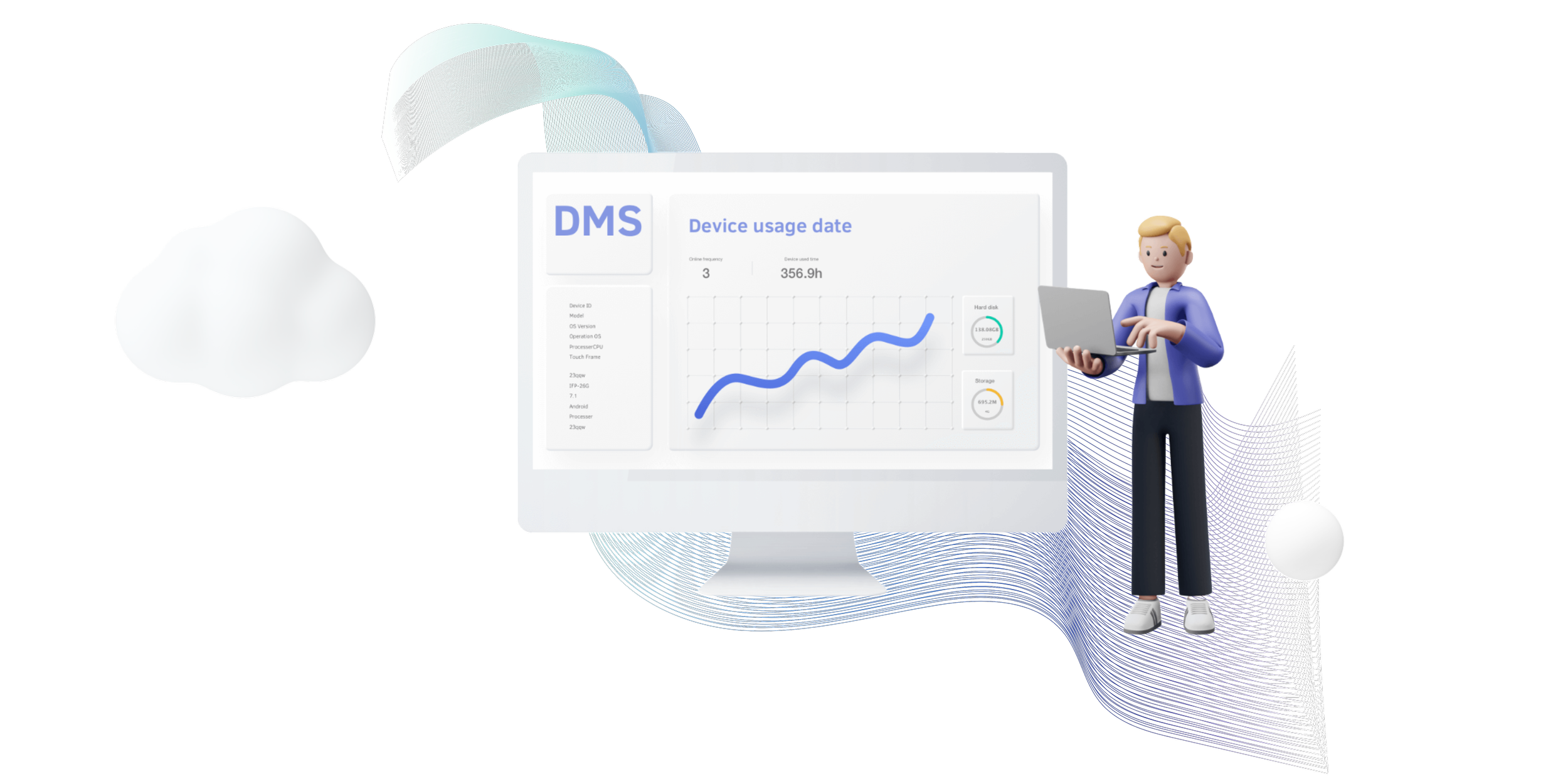
Managing multiple interactive displays across classrooms, meeting rooms, training centers, or office locations can quickly become challenging. Updating software, sharing content, monitoring devices, and fixing issues one by one takes time and effort.
This is where Bytello DMS (Device Management System) helps. It is a cloud-based platform that allows users to manage multiple displays from a single dashboard. Whether you have five displays or hundreds, Bytello DMS makes device management simpler, faster, and more organized.
What Is Bytello DMS?
Bytello DMS is a centralized device management platform designed to help organizations monitor and control interactive displays remotely. Instead of visiting each display individually, administrators can manage everything from one place using an internet connection.
It is useful for schools, businesses, training institutes, and organizations that use multiple interactive displays every day.
Common Challenges of Managing Multiple Displays
When organizations use several displays, they often face problems such as:
- Updating software on every display manually
- Monitoring device health and status
- Sending content to different locations
- Troubleshooting issues remotely
- Keeping all displays running with the latest settings
As the number of displays increases, these tasks become more time-consuming.
How Bytello DMS Solves These Challenges
1. Centralized Device Management
Bytello DMS allows administrators to manage all connected displays from one dashboard.
Instead of checking each device separately, users can:
- View all displays in one place
- Check online or offline status
- Organize devices by location or department
This saves time and improves overall management.
2. Remote Software Updates
Keeping every display updated is important for performance and security.
With Bytello DMS, administrators can:
- Push software updates remotely
- Update multiple devices at the same time
- Reduce manual maintenance work
This ensures all displays run the latest version without visiting each location.
3. Easy Content Distribution
Sharing announcements, presentations, or important information across multiple displays becomes much easier.
Users can:
- Send content to one display or many displays
- Schedule content updates
- Maintain consistent communication across locations
This feature is especially useful for schools, offices, and training centers.
4. Real-Time Device Monitoring
Bytello DMS provides real-time information about connected displays.
Administrators can quickly see:
- Device status
- Network connectivity
- System information
- Operating condition
This helps identify problems before they affect daily operations.
5. Remote Troubleshooting
If a display experiences an issue, administrators can investigate without being physically present.
Remote management helps:
- Reduce downtime
- Speed up issue resolution
- Lower maintenance costs
This is especially valuable for organizations with displays installed in different buildings or cities.
Benefits of Using Bytello DMS
Using Bytello DMS offers several practical advantages:
- Saves time by managing devices remotely
- Simplifies maintenance tasks
- Improves operational efficiency
- Supports large numbers of displays
- Reduces manual work
- Helps maintain consistent device performance
Where Can Bytello DMS Be Used?
Schools and Universities
Educational institutions often have interactive displays installed in multiple classrooms.
Bytello DMS helps IT teams:
Monitor classroom displays
Update software remotely
Manage devices across campuses
Corporate Offices
Businesses use interactive displays for meetings, presentations, and collaboration.
With centralized management, IT teams can keep meeting room displays updated and functioning properly.
Training Centers
Training organizations can manage displays across different training rooms without interrupting ongoing sessions.
Multi-Location Organizations
Companies with branches in different cities can monitor and manage all displays from one central location, making administration much easier.
Why Centralized Display Management Matters
As organizations continue adopting interactive display technology, manual management becomes less practical.
A centralized platform helps:
- Improve efficiency
- Reduce maintenance time
- Minimize device downtime
- Ensure consistent performance across all locations
Instead of spending hours managing displays individually, administrators can complete many tasks from a single dashboard.
Conclusion
Managing multiple interactive displays does not have to be complicated. Bytello DMS provides a centralized solution that simplifies monitoring, software updates, content sharing, and remote troubleshooting.
Whether you manage displays in schools, offices, training centers, or multiple business locations, Bytello DMS helps streamline everyday management tasks while improving efficiency. As organizations continue to expand their digital environments, centralized device management becomes an essential part of maintaining reliable and well-organized display networks.