Linking Property Management Software With Hotel Communication Tools
 erenyeager
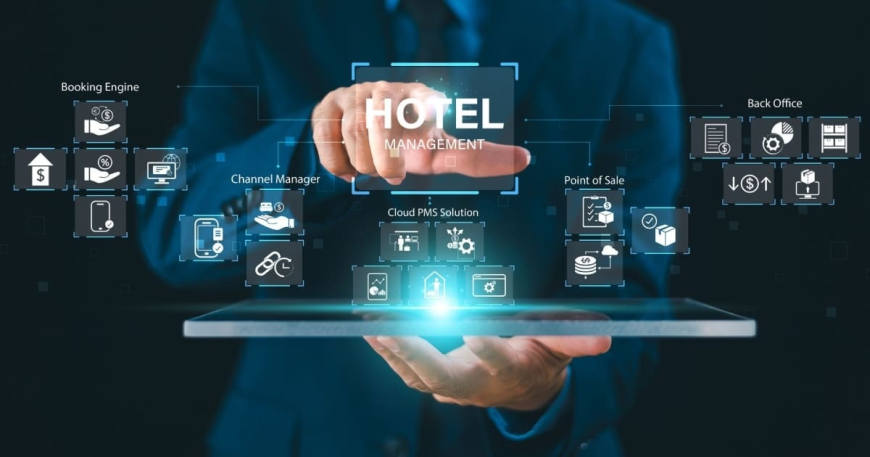
Hotels depend on multiple software platforms to operate effectively, and each one handles a specific part of the business. Your Property Management System (PMS) manages reservations, check-ins, billing, and guest profiles. Your phone system handles calls, voicemail, and wake-up services. Housekeeping tools track room status, and call accounting software monitors phone usage for billing purposes. These systems work best when they communicate with each other, yet the link between property management software and communication tools is often overlooked until problems emerge and staff are left scrambling to bridge the gaps manually.
Why Property Management and Phone Systems Need to Communicate
Guest data originates in the PMS. When someone books a room, the system creates a reservation record with their name, arrival date, room assignment, and preferences. When they check in, the PMS updates that record to reflect their active status and any special requests they have made.
Your phone system needs access to this information to function properly. Without it, caller ID cannot display the guest's name when they call the front desk. Wake-up calls cannot be scheduled based on the reservation. Voicemail cannot activate automatically at check-in or clear at checkout. The phone system operates blindly, and staff must manually configure settings that should happen automatically behind the scenes.
What a PMS Interface Actually Does
A PMS interface acts as the bridge between your property management software and your telephony system. It monitors the PMS for events like check-ins, checkouts, room moves, and wake-up call requests. It then translates those events into commands that the phone system understands and can act upon immediately.
When a guest checks in, the interface pushes their information to the phone system, which responds by enabling the room extension for outbound calls, updating caller ID with the guest's name, and activating voicemail. When the guest checks out, the interface sends a corresponding message, and the phone system disables calling permissions, clears the voicemail box, and posts any outstanding call charges to the folio.
This automation runs continuously in the background, keeping both systems synchronized without staff involvement or manual updates.
Features Enabled by Proper Connectivity
When property management and communication systems connect through a reliable interface, several valuable features become possible:
● Guest caller ID: The front desk sees the guest's name and room number before answering
● Automated wake-up calls: Scheduled calls trigger based on reservation data without manual programming
● Voicemail management: Mailboxes activate at check-in, follow guests during room moves, and clear at checkout
● Housekeeping updates: Room status changes entered on guest room phones sync with the front desk display
● Call charge posting: Outbound call fees transfer directly to the guest folio for accurate billing
Each of these features reduces manual work and improves accuracy across departments, freeing staff to focus on guest service rather than administrative tasks.
What Happens When Systems Aren't Linked
Properties without proper integration experience operational problems that affect efficiency and guest satisfaction.
· Front desk agents manually configure phone settings at every check-in, adding time to transactions and creating error opportunities.
· Wake-up calls must be programmed individually rather than pulled from reservation data.
· Caller ID displays room numbers instead of guest names, forcing agents to look up information before greeting callers.
· Billing suffers as well. Call charges may not post to folios automatically, requiring manual reconciliation.
· Room status updates depend on radio calls rather than automatic syncing, slowing room assignments and frustrating waiting guests.
These inefficiencies accumulate across hundreds of daily transactions, consuming time that could be spent on guest service.
Evaluating Compatibility Before an Upgrade
Before selecting a new phone system or upgrading your current one, confirm that the PMS interface supports your property management software. Not all interfaces work with all PMS platforms, and compatibility issues can derail an otherwise sound technology investment, leading to unexpected workarounds and additional costs.
Key questions to ask include:
● Is the integration certified by the PMS vendor?
● Does the interface support the telephony platforms you use or plan to adopt, such as Cisco, Avaya, or NEC?
● What level of support and maintenance is included?
● How quickly do updates deploy when the PMS releases new versions?
Connecting property management software with hotel communication tools requires an interface built specifically for hospitality. For properties seeking a proven PMS interface with broad PMS compatibility, certified telephony integrations, and reliable 24/7 support, Percipia stands out as a trusted provider with over two decades of experience linking hotel systems for properties of all sizes worldwide.